Working with Claude
Duration: 2 Day Program
Program Overview
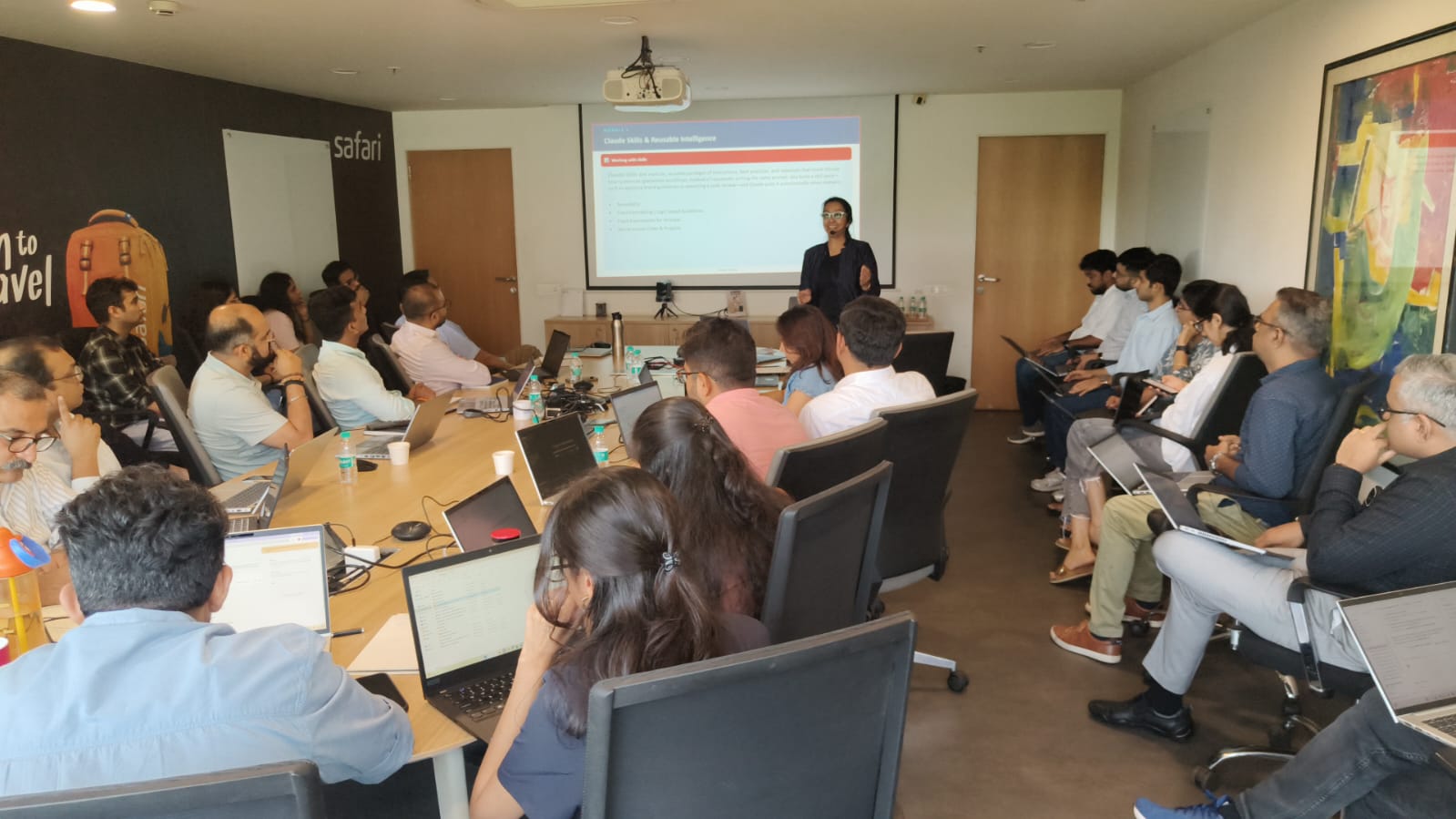
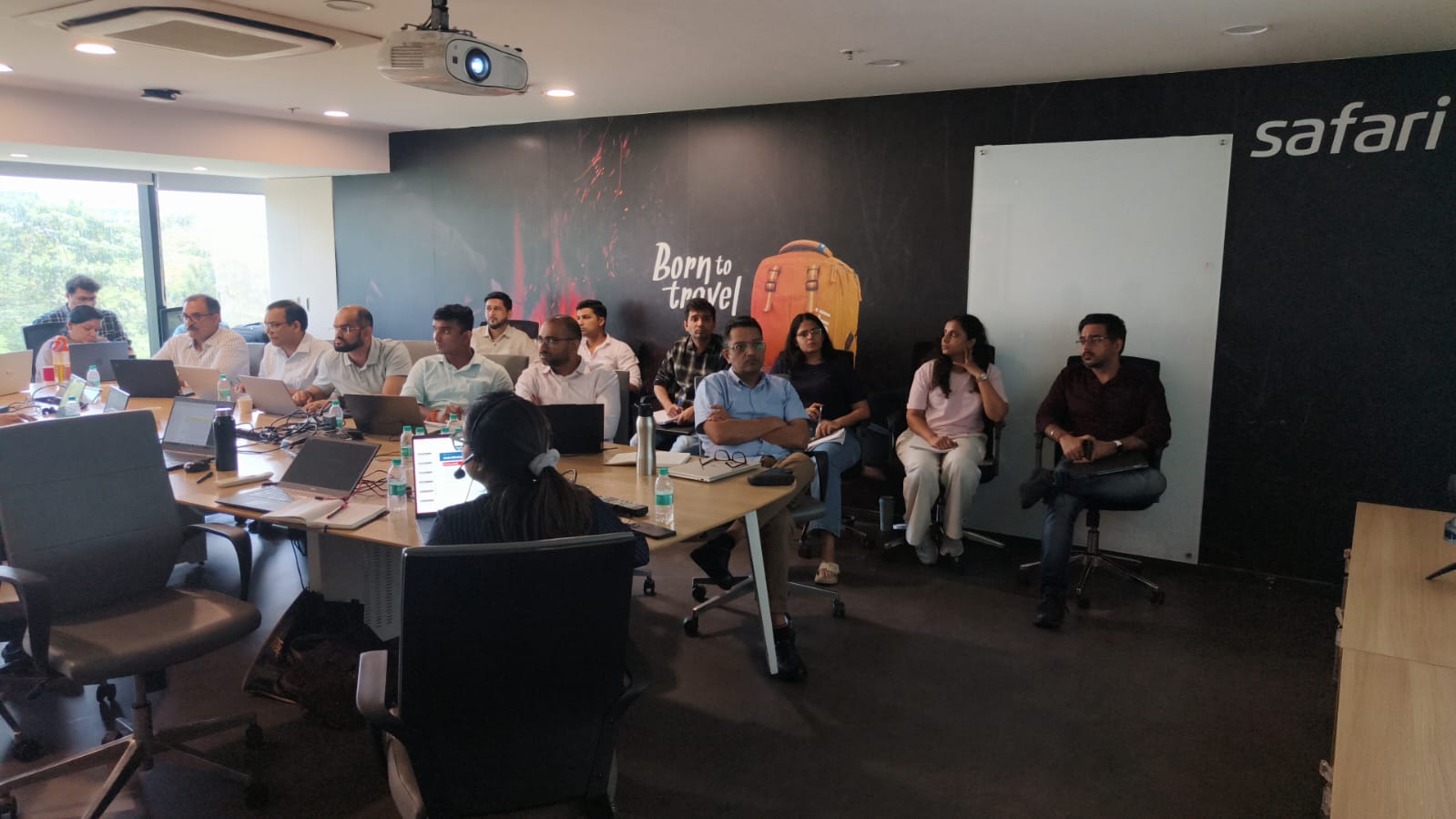
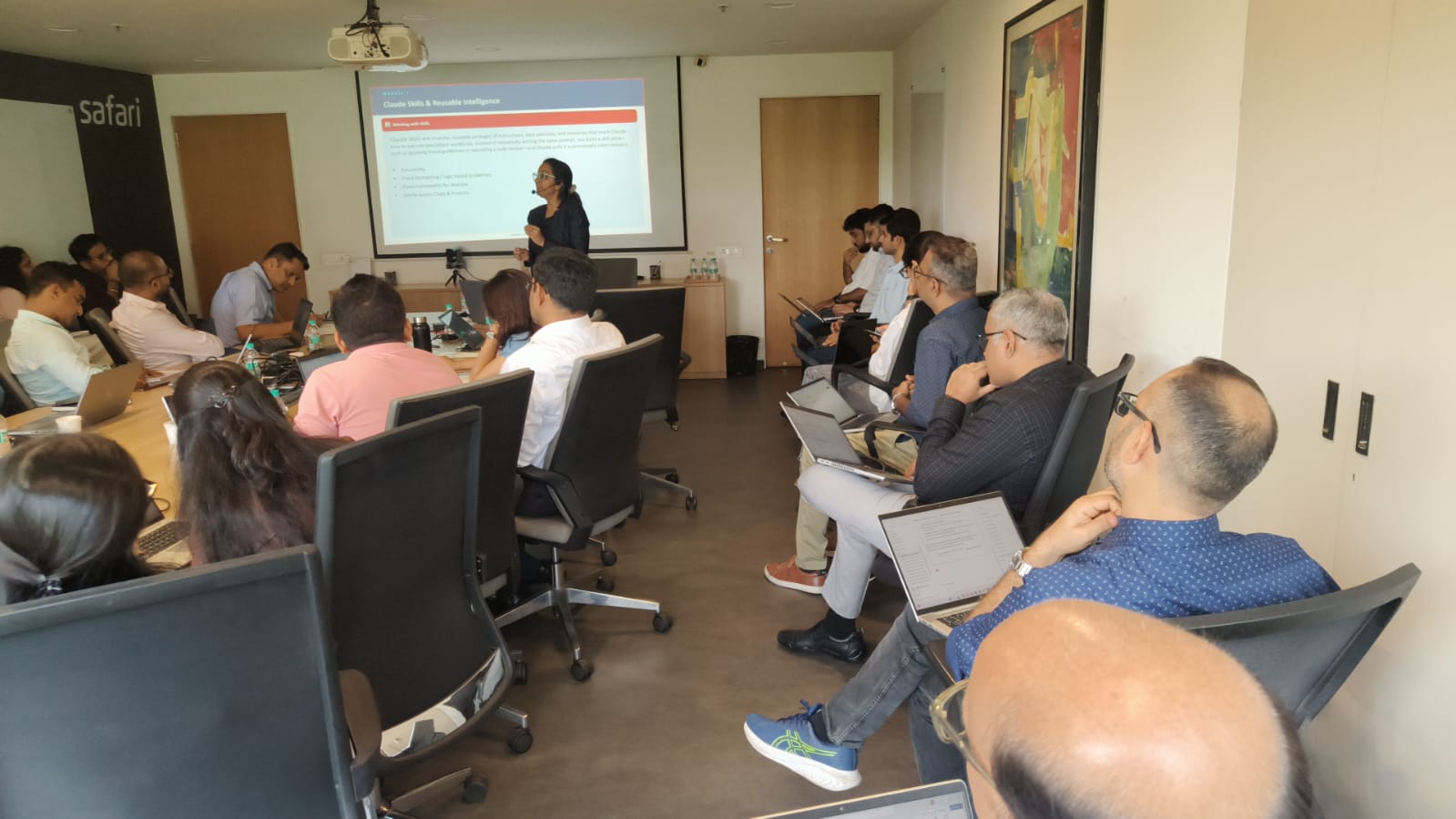
This program equips professionals across all functions and industries with practical skills to work effectively with Claude. Participants move from basic chat and prompting to advanced capabilities including Projects, Artifacts, Skills, Cowork, and Claude Design. The focus throughout is on real work — writing, research, analysis, content creation, and workflow automation — not theory.
Target Audience
- Professionals in any industry or function who want to use Claude as a daily productivity tool
- Knowledge workers including analysts, managers, communicators, HR, finance, legal, operations, and marketing professionals
- Team leaders and executives who want to understand what Claude can and cannot do
- L&D practitioners and trainers building AI-enabled learning programs
- Individuals with no prior AI experience as well as those who have used ChatGPT or other tools and want to understand Claude specifically
Prerequisites
- No prior AI experience required
- Basic computer literacy and comfort using a web browser
- A Claude.ai account (Free or Pro) or access via an enterprise deployment
Learning Objectives
By the end of this program, participants will be able to:
- Describe what Claude is, how it works, and how it differs from other AI tools
- Write effective prompts that produce accurate, useful, and appropriately formatted outputs
- Understand how tokens work and how to manage context and consumption
- Use Projects to organize persistent context and work across multiple tasks
- Create and interact with Artifacts for documents, code, visuals, and interactive tools
- Deploy Skills to give Claude persistent instructions and specialist behaviors
- Use Cowork to delegate multi-step tasks and automate workflows
- Apply Claude Design to produce visual and branded assets
- Identify and apply cross-industry use cases to their own role and organization
Module 1 Getting Started with Claude
Duration: 1.5 hours
1.1 What is Claude
- Claude as a large language model — what that means in plain terms
- How Claude is different from ChatGPT, Gemini, and Copilot
- Claude’s strengths — long documents, nuanced reasoning, writing quality, instruction following
- Limitations — no live internet by default, knowledge cutoff, hallucination risk
1.2 The Chat Interface
- Navigating claude.ai — conversations, sidebar, model selector
- Starting a conversation and understanding the turn-based model
- Uploading files — PDFs, images, spreadsheets, documents
- Editing and regenerating responses
- Free vs Pro vs Team vs Enterprise plans — what changes at each level
1.3 Tokens and Context
- What a token is — roughly 4 characters or 0.75 words
- Input tokens vs output tokens — how both count toward usage
- The context window — what Claude can hold in a single conversation
- Why long conversations degrade quality and what to do about it
- Token consumption for common tasks — short email vs long report vs document analysis
- Strategies for staying within limits — summarise, segment, start fresh
Use Cases — Chat and Basic Interaction
- Summarise a lengthy report or research paper into key points
- Ask Claude to explain a complex policy, regulation, or technical document in simple language
- Get a quick answer or definition without switching to a search engine
- Use Claude to check a document for errors, inconsistencies, or gaps
Module 2 Writing Effective Prompts
Duration: 2 hours
2.1 Why Prompting Matters
- The garbage-in-garbage-out principle applied to AI
- How Claude interprets a prompt — what it looks for and what it fills in by assumption
2.2 Prompt Anatomy
- Role — who Claude should be in this task
- Goal — what output is expected
- Context — background information Claude needs
- Format — how the output should be structured
- Constraints — what to avoid, tone, length, audience
2.3 Prompting Frameworks
- GCA — Goal, Context, Action
- CARE — Context, Action, Result, Example
- DIG — Define, Instruct, Guide
2.4 Advanced Prompting Techniques
- Chain-of-thought — asking Claude to reason step by step
- Few-shot examples — showing Claude what good output looks like
- Iterative refinement — treating the first output as a draft
- System-level instructions — setting persistent context at the top of a conversation
Use Cases — Prompting
- Draft a professional email to a senior stakeholder explaining a delay
- Write a job description for a specialist role using company values
- Prepare five interview questions tailored to a specific competency framework
- Analyse a competitor’s public report and identify strategic positioning
- Rewrite a dense internal policy into plain language for frontline staff
Module 3 Projects
Duration: 1.5 hours
3.1 What Projects Are
- Projects as persistent workspaces — Claude remembers instructions and context across sessions
- How Projects differ from standard conversations
- Availability — Pro and above plans
3.2 Setting Up a Project
- Creating a Project and writing project-level instructions
- Adding documents to the Project knowledge base — SOPs, tone guides, reference data
- What Claude can and cannot access within a Project
- Naming, organising, and sharing Projects with a team
3.3 Working Inside Projects
- Running multiple conversations within the same Project
- Updating Project instructions without breaking existing conversations
- Best practices — one Project per client, campaign, or function
Use Cases — Projects
- Set up a Project for a client account with brand guidelines, tone of voice, and key contacts embedded
- Create a Project for a recurring process such as monthly reporting with reusable templates loaded in
- Build a Project for HR onboarding with company policies and FAQs as the knowledge base
- Use a Project for a product launch to keep all assets, briefs, and copy consistent across the team
Module 4 Artifacts
Duration: 2 hours
4.1 What Artifacts Are
- Artifacts as distinct outputs — documents, code, HTML, SVG, React components, markdown
- How Artifacts appear in the interface — side panel, live preview
- When Claude chooses to create an Artifact vs respond inline
4.2 Types of Artifacts
- Text documents — reports, policies, templates, proposals
- Markdown — structured content with formatting
- Code — Python, JavaScript, SQL, and other languages
- HTML — web pages, interactive tools, styled layouts
- Visual outputs — SVG diagrams, charts, infographics
4.3 Iterating on Artifacts
- Asking Claude to revise an Artifact in the same conversation
- Version control — switching between earlier and later versions
- Copying, downloading, and sharing Artifact content
Use Cases — Artifacts
- Generate a formatted project proposal as a document Artifact that can be downloaded directly
- Build an interactive HTML calculator or decision tool for internal use
- Create a data visualisation as an SVG chart from a pasted table
- Write a SQL query or Python script as a standalone Code Artifact
- Produce a styled one-pager or briefing document as an HTML Artifact
Module 5 Skills
Duration: 1.5 hours
5.1 What Skills Are
- Skills as reusable instruction sets that give Claude specialist behaviour
- How Skills differ from one-off prompts — they are persistent and repeatable
- Where Skills live — attached to Projects or loaded at conversation start
5.2 Building a Skill
- Defining the purpose and scope of a Skill
- Writing the Skill instruction file — structure, triggers, output rules
- Testing and refining a Skill before deploying to a team
- Combining multiple Skills in a single Project
Use Cases — Skills
- A writing style Skill that enforces company tone, vocabulary, and formatting rules across all communications
- A data analysis Skill that applies a consistent framework — ABC classification, Pareto, trend analysis — to any dataset
- A legal review Skill that checks contracts for common risk clauses and flags them for attention
- A market intelligence Skill that structures competitor or industry inputs into a standard report template
- A training design Skill that converts subject-matter content into learning objectives, activities, and assessments
Module 6 Cowork
Duration: 2 hours
6.1 What Cowork Is
- Cowork as Claude’s agentic capability — taking multi-step actions on your behalf
- The difference between chatting with Claude and delegating a task to Claude
- How Cowork integrates with files, apps, and the browser
6.2 How Cowork Works
- Writing a delegation brief — what to include for Claude to act without interruption
- Monitoring a Cowork task — when Claude checks in vs proceeds independently
- File access and output — where results are saved and how to review them
- Cowork with browser access — Claude navigating web pages and extracting information
6.3 When to Use Cowork vs Chat
- Use chat for exploratory, creative, or back-and-forth tasks
- Use Cowork for tasks that have a defined output, involve file manipulation, or require multiple steps
- Risk and review — always check Cowork outputs before acting on them
Use Cases — Cowork
- Research a topic across multiple web sources and compile a structured briefing document
- Process a folder of uploaded reports and produce a summary table for each one
- Draft and format a complete slide deck from a provided outline, saving it as a downloadable file
- Analyse a spreadsheet, apply a scoring model, and produce a ranked output file
- Monitor a set of websites for updates and report changes in a daily digest
Module 7 Claude Design
Duration: 1.5 hours
7.1 What Claude Design Is
- Claude Design as a visual creation capability — producing polished designs from a prompt
- How Claude Design differs from image generation tools like DALL-E or Midjourney
- Output types — slides, one-pagers, infographics, UI mockups, branded layouts
7.2 Working with Claude Design
- Writing effective visual prompts — describing layout, hierarchy, tone, and colour
- Providing brand inputs — logo, colours, fonts, reference designs
- Iterating on a design — requesting changes and understanding what Claude can adjust
- Exporting and using Claude Design outputs in other tools
Use Cases — Claude Design
- Create a branded one-page summary of a project or proposal for executive review
- Design a campaign or event announcement visual for internal or external communication
- Produce an infographic from a data table or process description
- Generate a slide template or presentation layout aligned to company visual identity
- Mock up a UI screen or dashboard layout before handing off to a development team
Module 8 Putting It All Together
Duration: 1 hour
8.1 Choosing the Right Capability for the Task
- Decision framework — when to use chat, Projects, Artifacts, Skills, Cowork, or Design
- Combining capabilities — Projects with Skills and Artifacts, Cowork producing Artifacts
8.2 Building Your Personal Claude Workflow
- Mapping your most time-consuming tasks to Claude capabilities
- Designing a starter prompt library for your role
- Setting up your first Project with the right Skills attached
8.3 Responsible Use and Quality Control
- Always verify factual claims in Claude outputs before using or sharing
- Data confidentiality — what not to put into Claude
- Copyright, attribution, and originality considerations
- Human judgement remains essential — Claude is a tool, not a decision-maker
Program Summary
Total Duration: 2 Day Program
Delivery Format: instructor-led with live demos, hands-on practice, and participant exercises at each module
Assessment: each module ends with a practical task that participants complete using Claude and review with the group
Post-program: participants receive a prompt library, a capability reference card, and access to recorded demos for self-paced review

I have attended the advanced excel workshop on the 19th and 20th of December 2020. Everything you need to know about excel in two days, can be found through this workshop. Got a lot ideas and answers to age old doubts. Mr. Faiyaz is a very good teacher for the same. Every technical description was made so simple to understand with great examples. Thankyou sir.

Carol Monteiro

I have attended the Advanced Excel training sessions organised by Sealed Air Packaging Materials India LLP on 15th and 16th December 2020. The sessions conducted by Mr. Faiyaz were very informative, interactive and hand-on despite having a virtual training platform. I would highly recommended this for anybody who wants to enhance their excel skills.
Sampada Munj

The 3 day workshop taught me what i couldn't learn in a span of a year. The way excel is been taught makes you learn the basics and understand the functions and features instead of memorizing things. A big thumbs up to Faiyaz Khairaz for taking the session.
Nitesh Oberoi

Amazing training. I was able to prepare excel dashboards for my organization with their teachings and methods. Even my doubts were solved. Special thanks to Sabiha ma'am and Shaziya ma'am for their training.
Harsh Malhotra

Did a Excel Workshop Course with Faiyaz M Khairaz sir. It was an excellent course for girl like me who had no prior experience with Excel. Sir cleared each and every doubt I had. Thank You Sir for the wonderful training.
Geeta Pansare