Microsoft Copilot for Top Management & Senior Executives
Duration: 1 Days
Microsoft Copilot is transforming how leaders consume information, make decisions, and communicate with their teams. This one‑day executive program is designed specifically for senior management and leadership teams who may not work hands‑on with Microsoft Office tools on a daily basis, but are responsible for decision‑making, reviews, approvals, and strategic direction.
The focus of this program is not technical execution, but strategic leverage—how leaders can use Copilot and AI capabilities across Microsoft 365 to: – Reduce time spent on reviews and follow‑ups – Gain faster insights from reports and data prepared by teams – Improve leadership communication – Enhance meeting productivity – Make informed decisions with AI assistance
This program demonstrates how Copilot works for leaders, not like an analyst or operator.
This program is ideal for: – CXOs, Directors, and Business Heads – Senior Managers and Functional Leaders – Department Heads with reporting teams – Decision‑makers involved in reviews, approvals, and strategy
This program is NOT intended for: – Users looking to learn Excel formulas, Power BI development, or document formatting – Hands‑on operational staff
By the end of this program, participants will be able to: – Understand what Microsoft Copilot can and cannot do – Use Copilot to summarize, review, and validate team outputs – Leverage AI for faster decision support – Improve leadership‑level communication using Copilot – Apply responsible and secure AI usage within the organization
1. Introduction to Microsoft Copilot for Leaders
- What is Microsoft Copilot and how it integrates with Microsoft 365
- Difference between Copilot, ChatGPT, and other AI tools
- How Copilot works with organizational data (permissions‑based access)
- Realistic expectations: where Copilot adds value and where human judgment remains critical
2. Copilot for Leadership & Decision‑Making
- Using Copilot as a decision support assistant, not a decision maker
- Reviewing reports prepared by teams using AI summaries
- Asking Copilot for insights, risks, trends, and exceptions
- Using Copilot to challenge assumptions and validate conclusions
Executive Use Cases: – “Summarize this report for a management review” – “What are the key risks highlighted in this data?”
3. Prompting Framework for Senior Management
A simple, leadership‑friendly prompting framework: Context → Goal → Output Style → Constraints
- How leaders should frame questions to get concise, actionable outputs
- Prompting for executive summaries, decision briefs, and action points
Examples: – Summarize long email threads and extract decisions – Rewrite messages in a leadership‑appropriate tone
4. Copilot in Excel – Insights Without Technical Work
This module focuses on reviewing and interpreting data, not building spreadsheets.
Leaders will learn how to: – Ask Copilot to explain performance trends in simple language – Identify KPIs, outliers, and underperforming areas – Auto‑generate charts for reviews – Validate reports created by teams
No formulas. No technical Excel usage.
5. Copilot in PowerPoint – Management & Review Decks
- Generating slides from existing documents or notes
- Rewriting slides for clarity and executive communication
- Creating structured management review decks quickly
Example Use Case: – Create a concise 5–6 slide performance review deck from a report
6. Copilot in Word – Leadership Communication
- Drafting policies, proposals, and internal communications
- Adjusting tone for senior leadership and board‑level communication
- Summarizing long documents into executive briefs
Example Use Case: – Convert a 20‑page document into a 1‑page leadership summary
7. Copilot in Outlook – Email & Follow‑Up Efficiency
- Summarizing long email chains
- Drafting replies in a professional, leadership tone
- Extracting pending actions and follow‑ups
- Using AI to reduce inbox overload
8. Copilot in Teams – Meeting Productivity
- Automatic meeting summaries
- Capturing decisions and action items
- Creating pre‑meeting briefs
- Asking Copilot about outcomes from past meetings
Executive Focus: – Less time in meetings, more clarity on outcomes
9. AI Governance & Responsible Use for Leaders
- What Copilot can and cannot access
- Data security and compliance considerations
- Validating AI‑generated outputs
- Setting internal guidelines for AI usage
- Avoiding over‑reliance on AI for critical decisions
Program Delivery Approach
- Highly interactive and discussion‑driven
- Real‑world executive scenarios
- Minimal technical complexity
- Focus on leadership application and decision support
Program Duration
1 Full Day (6–7 hours)
Outcome for the Organization
- Faster decision cycles
- Improved quality of reviews and approvals
- Better leadership communication
- Responsible and secure use of AI at senior levels
Trainer Profile (Optional Web Section)
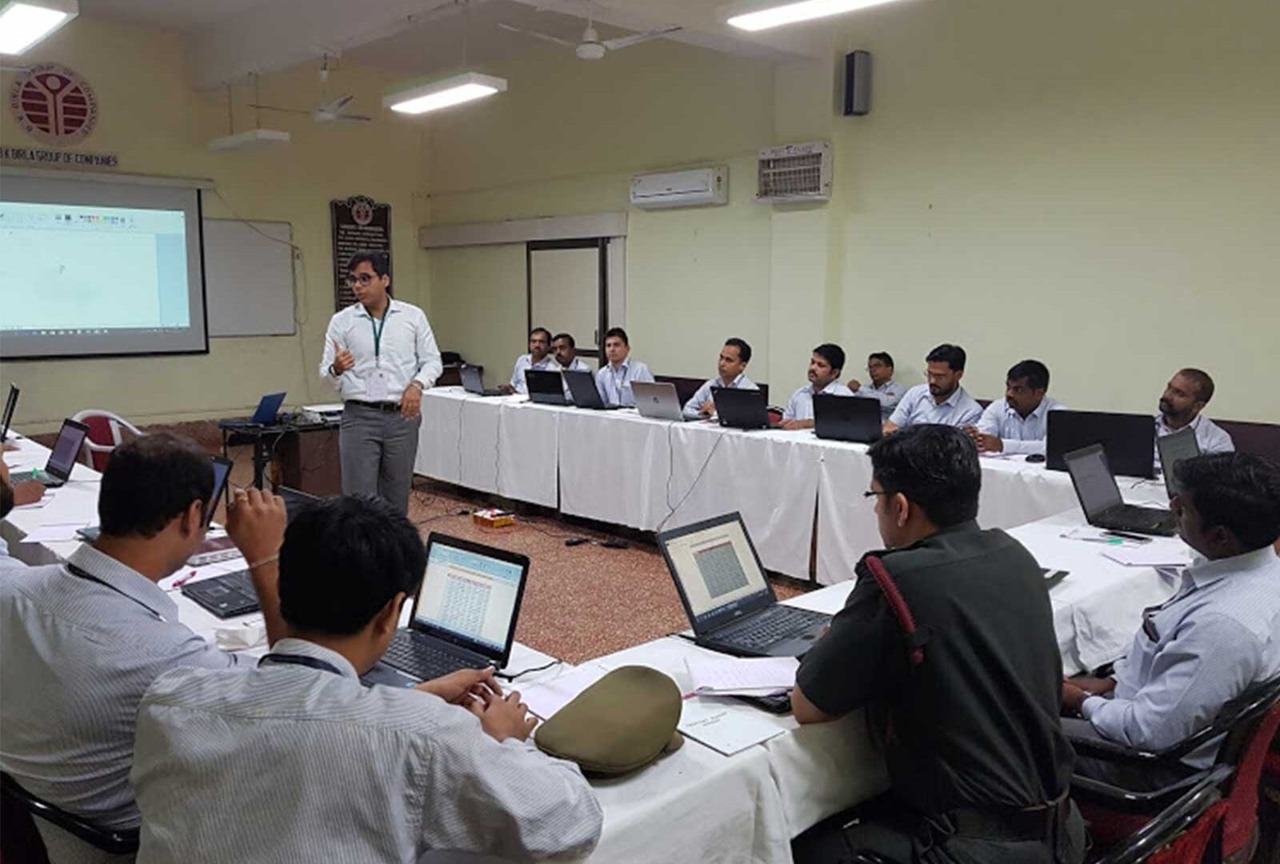
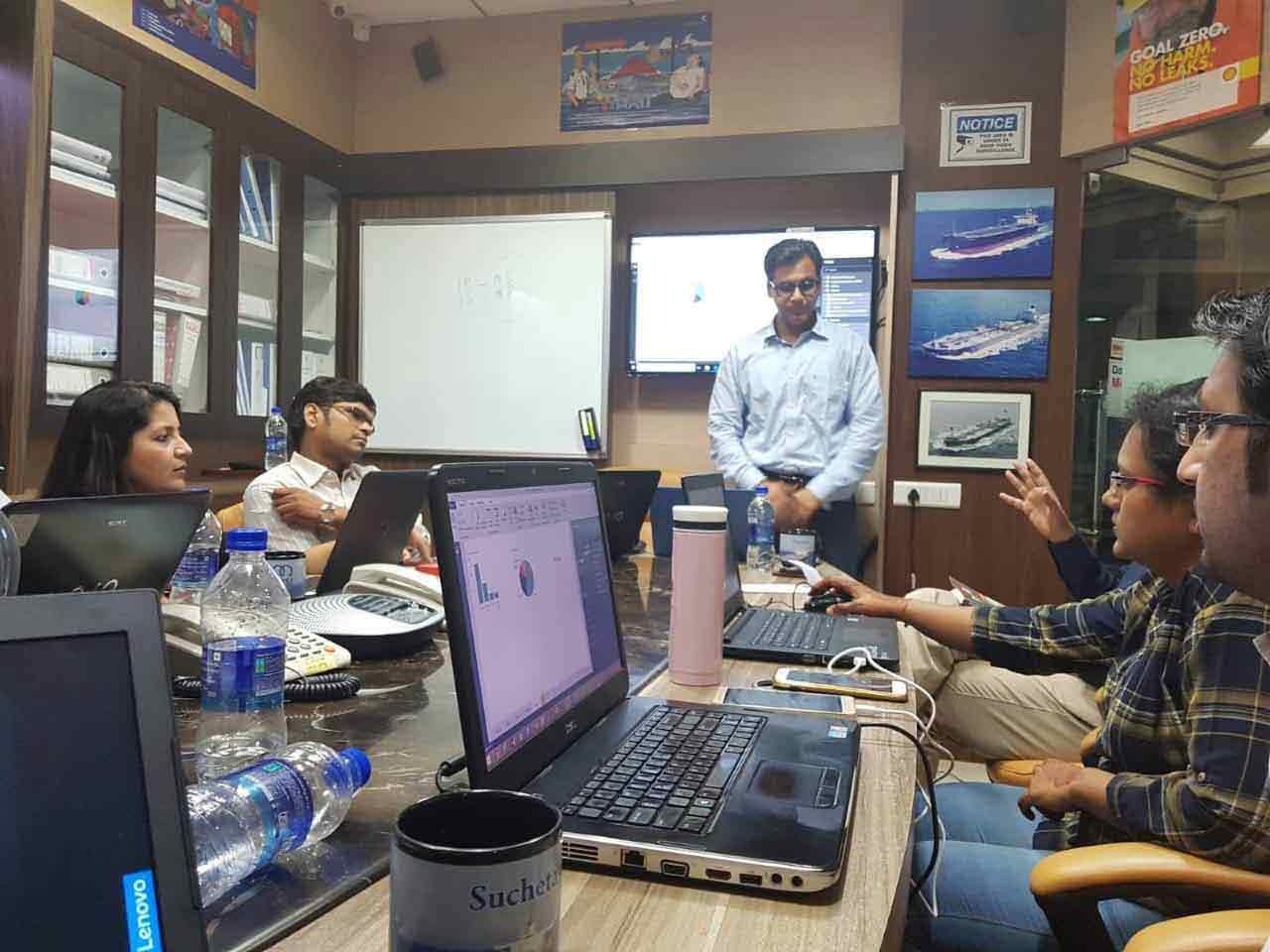
Delivered by Faiyaz M Khairaz, Microsoft Certified Trainer with extensive experience in corporate training for senior leadership teams across Excel, Power BI, Microsoft 365, and AI‑enabled productivity.

I have attended the advanced excel workshop on the 19th and 20th of December 2020. Everything you need to know about excel in two days, can be found through this workshop. Got a lot ideas and answers to age old doubts. Mr. Faiyaz is a very good teacher for the same. Every technical description was made so simple to understand with great examples. Thankyou sir.

Carol Monteiro

I have attended the Advanced Excel training sessions organised by Sealed Air Packaging Materials India LLP on 15th and 16th December 2020. The sessions conducted by Mr. Faiyaz were very informative, interactive and hand-on despite having a virtual training platform. I would highly recommended this for anybody who wants to enhance their excel skills.
Sampada Munj

The 3 day workshop taught me what i couldn't learn in a span of a year. The way excel is been taught makes you learn the basics and understand the functions and features instead of memorizing things. A big thumbs up to Faiyaz Khairaz for taking the session.
Nitesh Oberoi

Amazing training. I was able to prepare excel dashboards for my organization with their teachings and methods. Even my doubts were solved. Special thanks to Sabiha ma'am and Shaziya ma'am for their training.
Harsh Malhotra

Did a Excel Workshop Course with Faiyaz M Khairaz sir. It was an excellent course for girl like me who had no prior experience with Excel. Sir cleared each and every doubt I had. Thank You Sir for the wonderful training.
Geeta Pansare