Claude for Finance
Duration: 1 Day Practical Training Programe
Leveraging Claude Pro for Financial Analysis, Reporting, Research & Automation
Core Workshop Philosophy
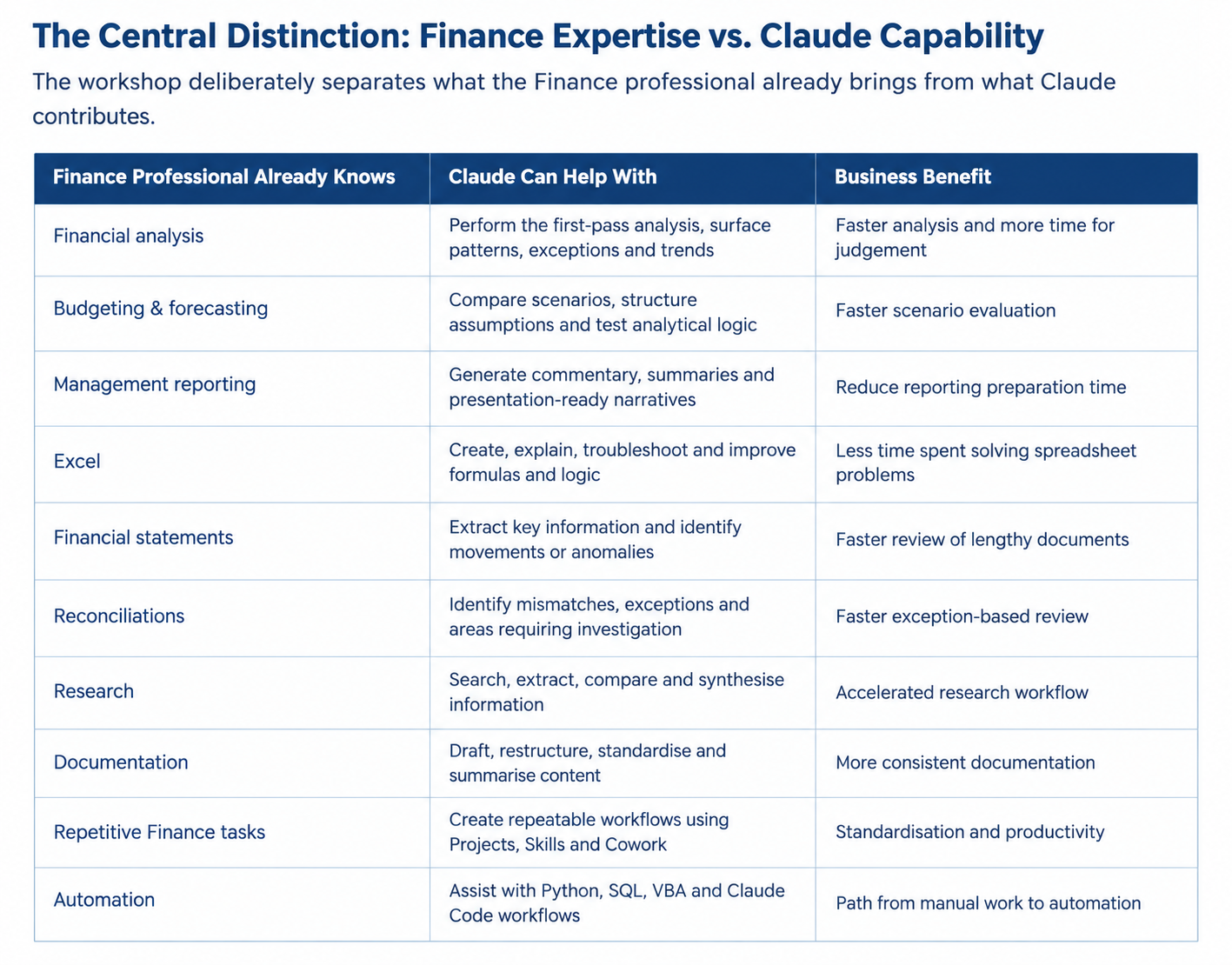
Participants already have knowledge of Finance. This program does not teach Finance concepts; instead, it focuses on how Claude can accelerate, improve, structure, standardise and automate the Finance work they already perform.
Duration: This is a 1-day practical training program.
Audience: The program is designed for Finance Managers, Financial Analysts, FP&A, Controllership, Treasury, MIS, Business Finance and Finance Operations professionals.
Platform: The training is delivered using Claude Pro.
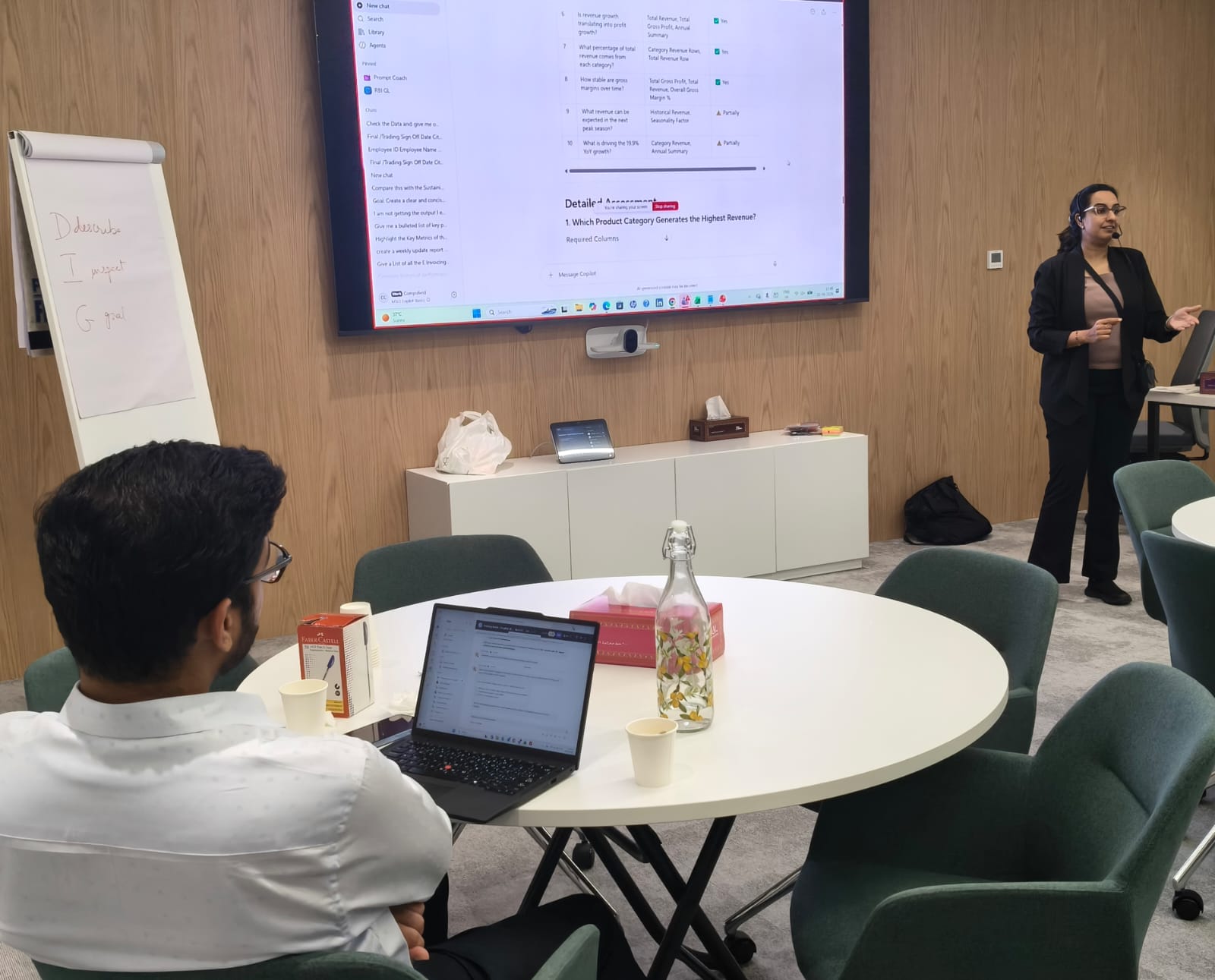
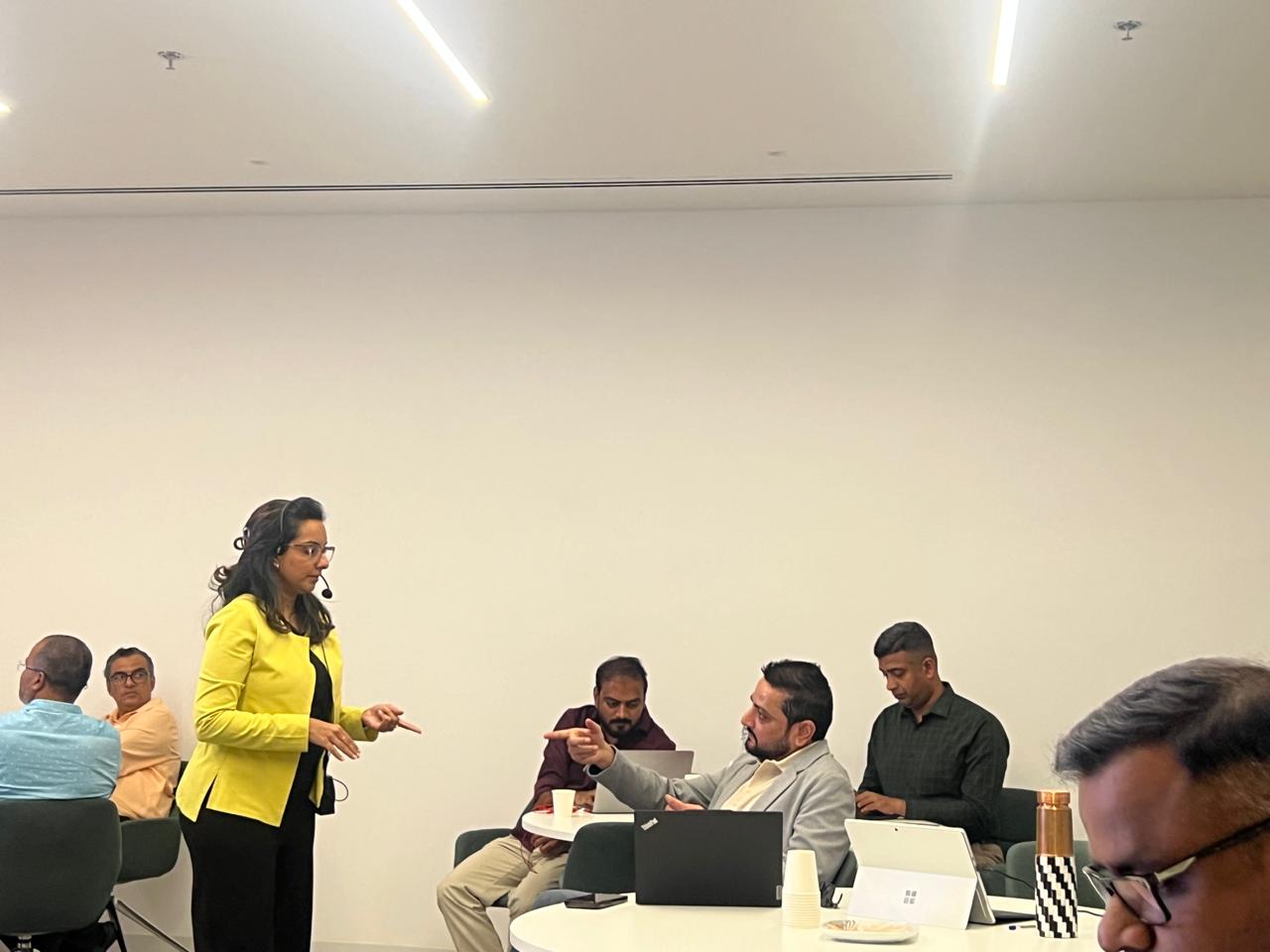
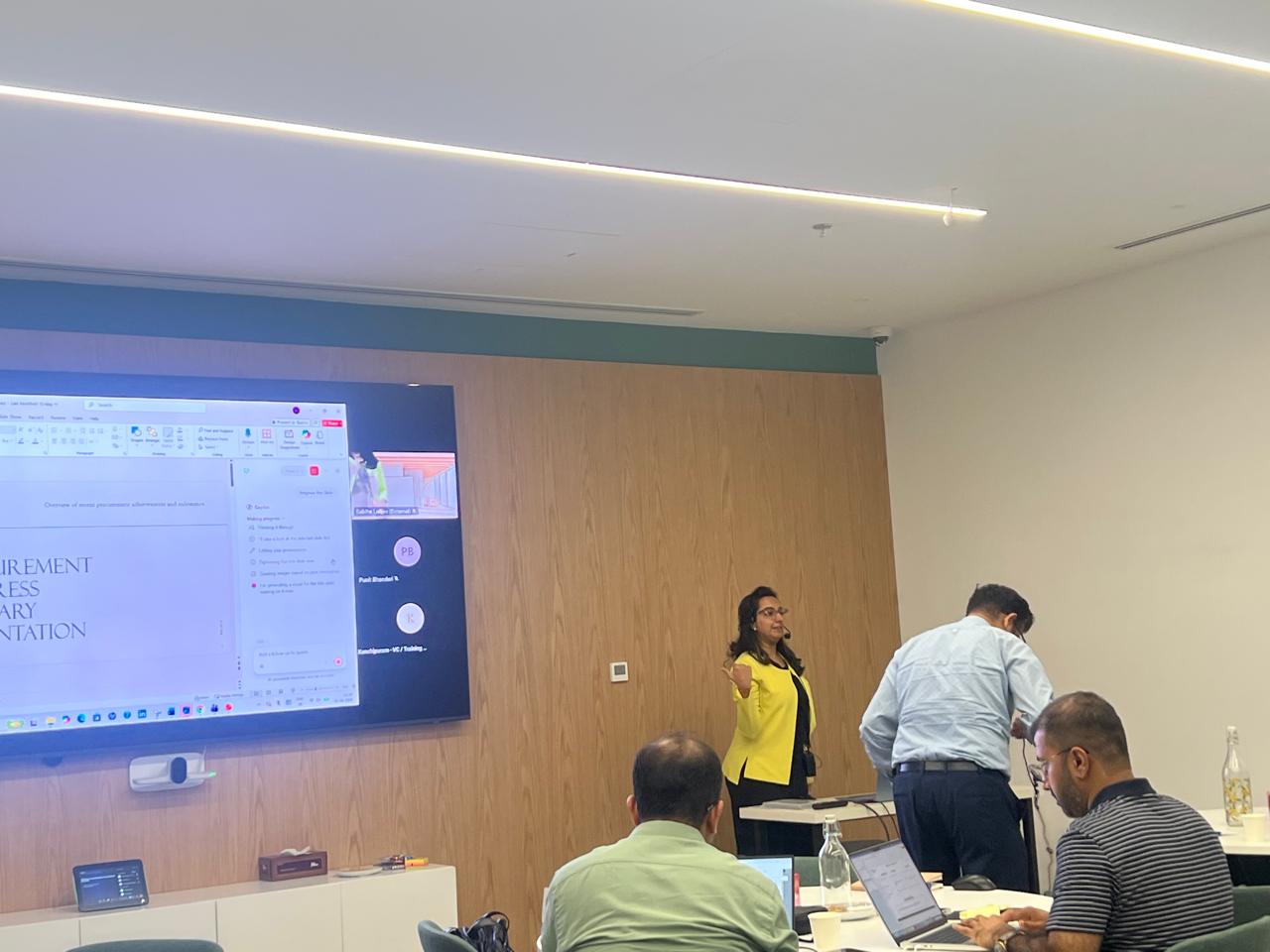
Methodology: The program combines demonstrations, hands-on exercises, finance-focused case studies and a capstone project to provide practical learning.
Primary Outcome: Participants will learn to use Claude as a practical finance work assistant across analysis, reporting, research, documentation and automation.
Customisation for the Finance Function
The program can be customised around the organisation's actual Finance workflows and reporting
requirements. Examples can be adapted for:
FP&A and management reporting
Financial planning and forecasting
Controllership and month-end reporting
Treasury and cash-flow analysis
MIS and business finance
Management dashboards and KPI reporting
Reconciliations and exception reviews
Financial research and management presentations
By the end of the workshop, participants will be able to
- Identify where Claude can add value across everyday Finance workflows.
- Create effective prompts that produce structured, reliable Finance outputs.
- Work with financial spreadsheets, CSV files, reports and business documents.
- Create Claude Projects with persistent Finance context and instructions.
- Understand and leverage Skills for repeatable Finance workflows.
- Use Cowork to delegate multi-step Finance tasks rather than asking one question at a time.
- Use Artifacts to create reusable Finance dashboards, trackers, calculators and management outputs.
- Leverage Claude for Excel formulas, Power Query, VBA and financial modelling support.
- Accelerate financial research and turn source material into structured intelligence.
- Understand how Claude Code can support Finance automation and repetitive data-processing tasks.
- Apply validation and human-review controls to Finance outputs.

Module 1 — Claude as Your Finance Work Assistant
- Understanding Claude as a practical Finance work assistant rather than a generic chatbot.
- Where Claude can support reading, analysis, writing, research, creation and automation.
- Finance use cases: financial analysis, management reporting, variance analysis, budgeting/forecasting
support, financial research, documentation, reconciliation support, data-quality checks and repetitive task
support. - Choosing the right Claude workflow for a simple question versus a multi-step task.
Module 2 — Prompt Engineering for Finance
- Anatomy of a high-quality Finance prompt: Role + Context + Data + Task + Rules + Output + Validation.
- Giving Claude sufficient financial context without overloading the prompt.
- Defining assumptions, constraints, calculation methodology and expected output.
- Separating facts, calculations, assumptions and interpretations.
- Creating reusable Finance prompts for analysis, variance commentary, management summaries and
document review. - Practical exercise: convert weak Finance prompts into structured professional prompts.
Module 3 — Working with Financial Data & Documents
- Working with Excel, CSV, PDF, Word and other Finance documents.
- Data profiling: structure, missing values, duplicates and unusual values.
- Data analysis: trends, variances, segmentation, outliers and exceptions.
- Turning raw data into insights, commentary and management questions.
- Practical exercise: Budget vs Actual analysis using Finance data.
Module 4 — Claude Projects for Finance
- Understanding Projects as dedicated workspaces with files, instructions and persistent context.
- Creating a Finance Project for recurring management reporting or financial analysis.
- Adding KPI definitions, reporting templates, previous reports, business-unit information and Finance
instructions. - Creating project instructions for consistent terminology, assumptions, materiality and reporting style.
- Benefit: reduce repetitive prompting and improve consistency across recurring Finance work.
Module 5 — Claude Skills for Finance
- Understanding Skills as repeatable capabilities/workflows.
- Difference between a Prompt, Project and Skill.
- Finance Skill examples: Monthly Management Reporting, Budget vs Actual Analysis, Financial Statement
Review, Variance Commentary, KPI Analysis, Data Cleaning and Reconciliation Review. - Designing a repeatable workflow: Input Data → Validate → Analyse → Identify Variances → Generate
Commentary → Management Summary. - Benefit: move from one-off conversations to repeatable Finance processes.
Module 6 — Claude Cowork: Delegating Finance Work
- Moving from ‘Ask Claude’ to ‘Delegate the work’
- Using Cowork for multi-step tasks involving files and structured workflows.
- Finance use cases: month-end reporting preparation, reviewing multiple reports, consolidating
information, identifying exceptions, preparing commentary and creating management summaries. - Practical exercise: Month-End Finance Assistant workflow.
- Benefit: shift effort from performing every step to reviewing and approving the work.
Module 7 — Claude Artifacts for Finance
- Understanding the difference between a conversational answer and a reusable output.
- Creating Finance dashboards, KPI trackers, budget trackers, variance tools, financial calculators and
management-reporting templates. - Using Claude to turn analysis into a usable Finance artifact.
- Practical exercise: create a Finance KPI / management dashboard concept.
- Benefit: move from information to reusable Finance tools.
Module 8 — Advanced Financial Analysis & Management Reporting
- Revenue, cost, margin, profitability, working capital, cash flow and KPI analysis.
- MoM, YoY, Budget vs Actual and Forecast vs Actual analysis.
- Identifying major drivers, exceptions and management attention areas.
- Turning numbers into management commentary and executive summaries.
- Preparing questions for CFO/management review.
- Key principle: Claude accelerates analysis and communication; Finance retains professional judgement.
Module 9 — Financial Research with Claude
- Accelerating company, competitor, industry, market and regulatory research.
- Annual-report analysis and extraction of relevant financial information.
- Comparing companies, periods or business segments.
- Structuring research as Source → Evidence → Analysis → Conclusion.
- Practical exercise: build a structured company financial intelligence report.
- Emphasis on source traceability and distinguishing sourced facts from interpretation.
Module 10 — Claude + Excel & Financial Modelling
- Generate, explain, troubleshoot and improve Excel formulas.
- Support for Power Query / M logic and VBA / macro development.
- Reviewing spreadsheet logic and financial model structures.
- Revenue, cost, budget, forecast, cash-flow, working-capital and scenario-model support.
- Practical exercise: use Claude to support a financial forecasting workflow.
- Benefit: reduce time spent on spreadsheet mechanics and focus on Finance analysis.
Module 11 — Claude Code for Finance
- Introduction to Claude Code for Finance professionals.
- Moving from ‘Claude writes code’ toward building repeatable data-processing and automation workflows.
- Finance use cases: CSV consolidation, data cleaning, automated reconciliation, recurring report
generation, file processing, Python analysis, SQL generation and Excel automation. - Demonstration: Monthly Finance Files → Validate → Clean → Consolidate → Analyse → Generate Output.
- Positioning: introductory exposure in this one-day program, with deeper coding/automation as a separate advanced pathway.
Module 12 — AI Governance, Validation & Human-in-the-Loop
- Finance outputs require professional review and validation.
- Validate source data, calculations, assumptions, dates, periods, units, currencies and material variances.
- Distinguish facts, calculations, assumptions and interpretations.
- Identify unsupported conclusions and missing information.
- Use Claude as an assistant for analysis and preparation—not as a substitute for Finance judgement,
approval or decision-making. - Apply organisational policies for confidential financial information and AI usage.

I have attended the advanced excel workshop on the 19th and 20th of December 2020. Everything you need to know about excel in two days, can be found through this workshop. Got a lot ideas and answers to age old doubts. Mr. Faiyaz is a very good teacher for the same. Every technical description was made so simple to understand with great examples. Thankyou sir.

Carol Monteiro

I have attended the Advanced Excel training sessions organised by Sealed Air Packaging Materials India LLP on 15th and 16th December 2020. The sessions conducted by Mr. Faiyaz were very informative, interactive and hand-on despite having a virtual training platform. I would highly recommended this for anybody who wants to enhance their excel skills.
Sampada Munj

The 3 day workshop taught me what i couldn't learn in a span of a year. The way excel is been taught makes you learn the basics and understand the functions and features instead of memorizing things. A big thumbs up to Faiyaz Khairaz for taking the session.
Nitesh Oberoi

Amazing training. I was able to prepare excel dashboards for my organization with their teachings and methods. Even my doubts were solved. Special thanks to Sabiha ma'am and Shaziya ma'am for their training.
Harsh Malhotra

Did a Excel Workshop Course with Faiyaz M Khairaz sir. It was an excellent course for girl like me who had no prior experience with Excel. Sir cleared each and every doubt I had. Thank You Sir for the wonderful training.
Geeta Pansare