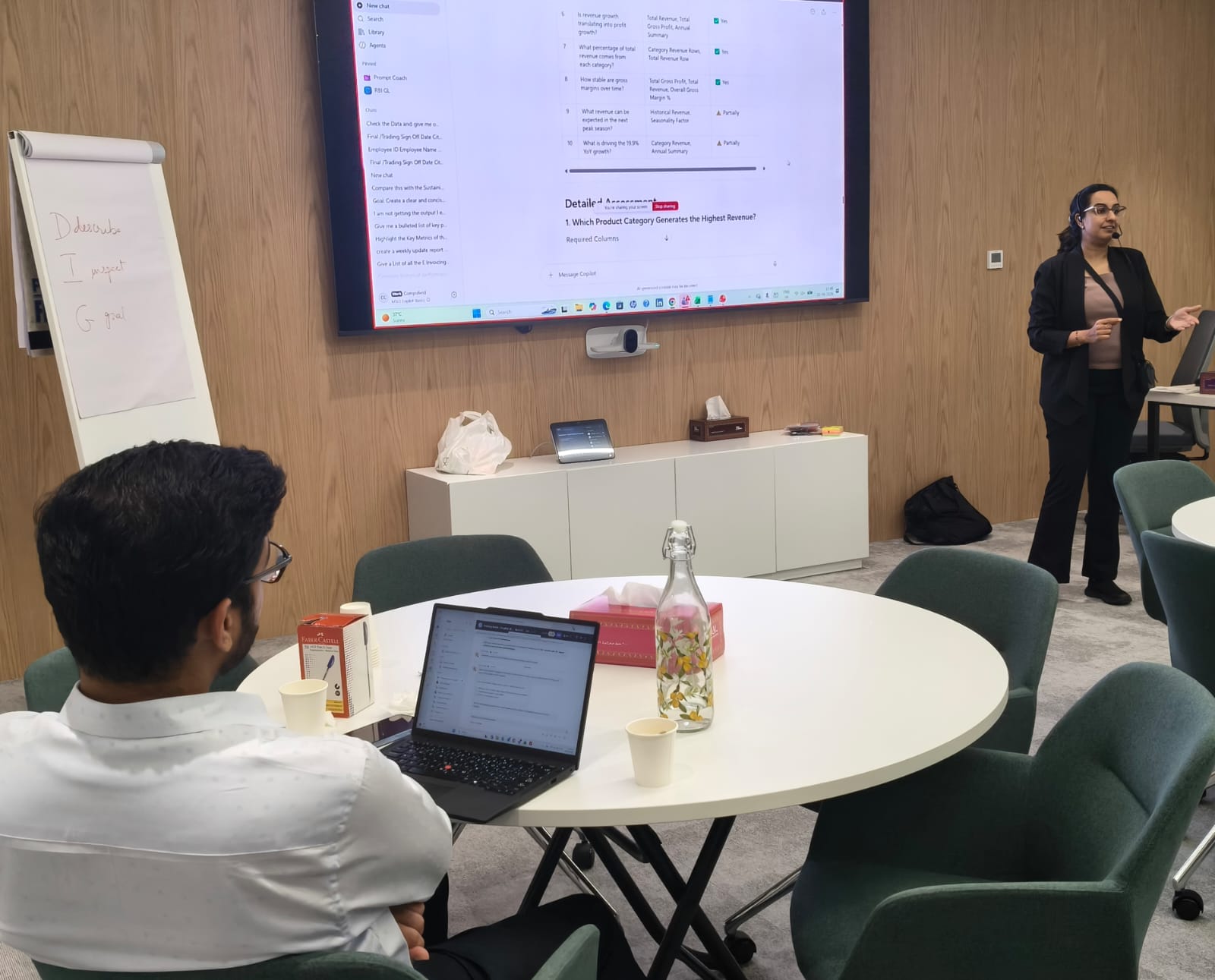
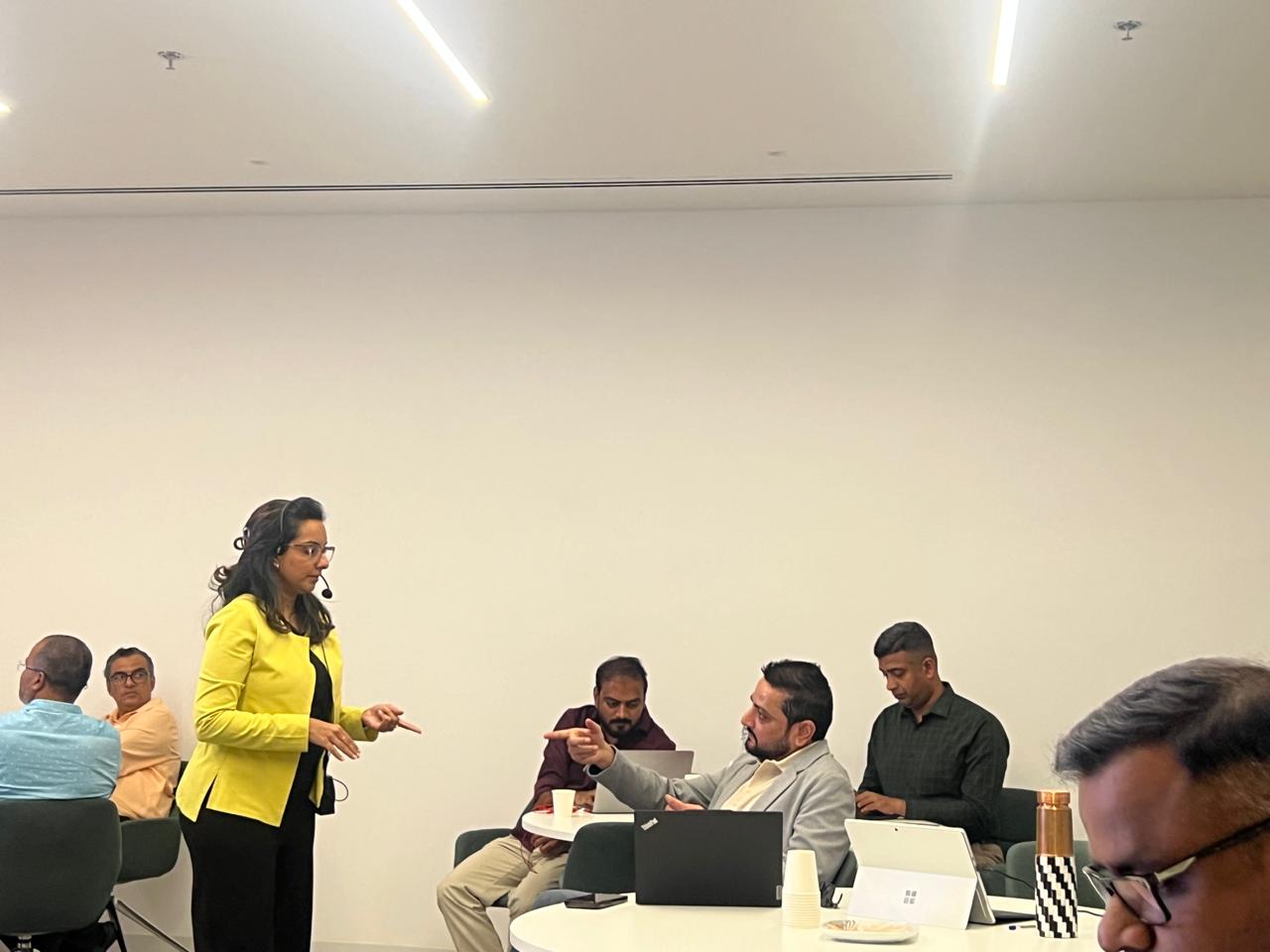
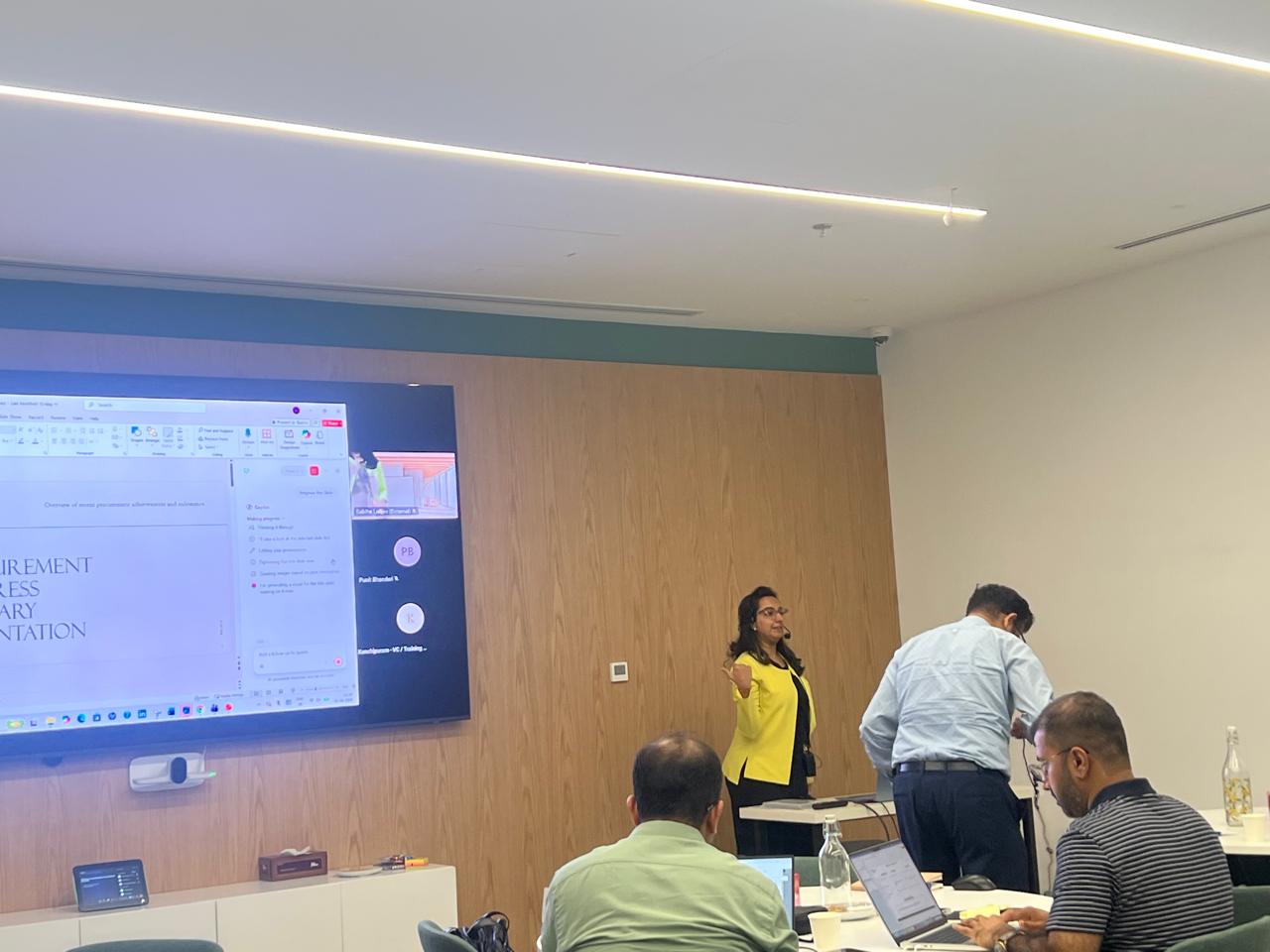
Copilot for Finance – Advanced AI Productivity, Financial Analysis & Automation
Duration: 1–3 day corporate program
Program Overview
This program is designed specifically for Finance, FP&A, Accounts, Controllership, Treasury, Management Reporting and other finance-related teams. It takes participants beyond basic AI prompting and focuses on practical financial workflows that can be supported by Microsoft 365 Copilot.
Participants learn how to use Copilot to work with financial information, analyse data, prepare reports, research business and market information, draft professional communication, build presentations and create repeatable AI-assisted workflows.
Typical Duration
Customizable – typically delivered as a 1–3 day corporate program depending on the team’s skill level, Copilot environment, business requirements and depth of financial use cases.
Target Audience
Finance Managers, FP&A teams, Financial Analysts, Accounts teams, Management Reporting teams, Controllers, Treasury professionals, MIS/Reporting teams, Business Finance teams, Finance Business Partners and senior finance professionals.
Prerequisites
Participants should have basic familiarity with Microsoft 365 applications and their normal finance-related workflows. Basic Excel knowledge is recommended. No programming knowledge is required.

Learning Outcomes
- Use Microsoft 365 Copilot effectively for day-to-day finance productivity
- Write precise, context-rich finance prompts
- Use Search and Chat appropriately
- Personalize Copilot for finance-related work
- Use Notebooks and Pages for finance projects and knowledge work
- Create and schedule reusable prompts for recurring activities
- Understand and build finance-oriented agents where enabled
- Use Researcher for structured financial and business research
- Use Analyst for data-driven financial analysis
- Accelerate Excel-based financial analysis and reporting
- Create management-ready Word documents and PowerPoint presentations
- Improve finance communication through Outlook and Teams
- Design integrated AI workflows across finance processes
- Identify practical opportunities to adopt Copilot within the finance function
Module 1: Microsoft 365 Copilot for Finance – Getting Started
- Understanding the role of Copilot in modern finance workflows
- Understanding Copilot Chat and Copilot within Microsoft 365 applications
- Understanding Web, Work and organizational context
- Identifying finance tasks that are suitable for AI assistance
- Understanding where human review and financial judgment remain essential
- Working responsibly with confidential financial information
- Understanding license, administrator and organizational configuration dependencies
Module 2: Search vs Chat for Finance
- Using Copilot Search to find finance-related files, emails, meetings and organizational information
- Searching for budgets, reports, policies, presentations and supporting documents
- Using filters and relevant search context
- Using Copilot Chat to interpret, summarize and work with information
- Search vs Chat: finding information vs working with information
- Referencing files and other available content in prompts
- Moving from Search to Chat, Researcher or Analyst when appropriate
- Finance examples: finding the latest budget version, locating policy documents and preparing a quick briefing
Module 3: Prompt Engineering for Finance
- Designing effective finance prompts
- Goal, Context, Action and Output framework
- Adding financial definitions, assumptions and business context
- Specifying audience: CFO, Finance Head, Controller, Treasury Committee or business stakeholder
- Specifying calculation, reporting and presentation requirements
- Requesting tables, executive summaries, variance explanations and action lists
- Good vs poor finance prompts
- Iterative prompting and validating the output
- Building a reusable finance prompt library
Module 4: Personalization for Finance Professionals
- Understanding Copilot personalization
- Defining preferred communication style
- Setting context for the finance role
- Creating consistent executive-ready responses
- Using role, audience and output preferences
- Improving recurring reporting and communication tasks
- Understanding memory and personalization considerations
- Creating a personal Copilot working style for finance
Module 5: Copilot Notebooks for Finance
- Understanding Copilot Notebooks
- Creating a finance-focused Notebook
- Adding reports, supporting documents and relevant sources
- Organizing information around a finance project or review
- Questioning Notebook content
- Summarizing multiple finance documents
- Extracting assumptions, risks, decisions and key figures
- Using Researcher with Notebook content where available
- Turning research and analysis into structured outputs
- Finance examples: annual budget review, acquisition research, board preparation and financial policy review
Module 6: Copilot Pages for Finance
- Creating persistent Copilot Pages
- Turning analysis into a structured Page
- Creating executive summaries
- Building variance commentary and action plans
- Refining content with Copilot
- Sharing Pages with finance colleagues
- Collaborating on finance working documents
- Using Pages for monthly reviews, project finance, management commentary and action tracking
Module 7: Saving & Scheduling Prompts for Recurring Finance Work
- Identifying repetitive finance tasks
- Creating reusable prompts
- Building recurring finance prompts
- Scheduling supported Copilot prompts
- Creating prompts for weekly and monthly reporting activities
- Automating recurring information-gathering tasks
- Examples: weekly business review, management summary, pending action review and recurring financial updates
- Reviewing, editing and managing scheduled prompts
Module 8: Finance Agents – Understanding the Concept
- Understanding AI agents in a finance environment
- Copilot vs Agent
- When a finance team should use an agent
- Understanding pre-built Microsoft agents
- Understanding custom finance agents
- Agent instructions, knowledge and sources
- Establishing boundaries for finance-related agents
- Examples: Finance Policy Assistant, Management Reporting Assistant, Budget Review Assistant and Vendor Analysis Assistant
Module 9: Creating & Managing Finance Agents
- Identifying a repeatable finance workflow suitable for an agent
- Defining the agent’s role and purpose
- Writing instructions for a finance agent
- Defining required sources and knowledge
- Creating consistent output formats
- Testing and refining the agent
- Handling unsupported or ambiguous requests
- Sharing the agent with appropriate users where enabled
- Governance considerations for financial information
- Example: Management Reporting Assistant that prepares structured commentary from approved information
Module 10: Researcher for Finance
- Understanding Researcher and when to use it
- Researcher vs standard Copilot Chat
- Conducting structured financial and business research
- Researching companies, industries, markets and business trends
- Combining relevant web and permitted organizational information
- Comparing sources and synthesizing findings
- Reviewing citations and source quality
- Creating structured research reports
- Turning research into management-ready summaries
- Finance examples: competitor analysis, industry outlook, market research, company research and supplier/partner research
Module 11: Analyst for Financial Data
- Understanding Analyst and its role in financial analysis
- Analyst vs Copilot in Excel
- Working with supported financial datasets
- Preparing analytical questions
- Trend analysis
- Variance analysis
- Period-over-period comparison
- Identifying outliers and unusual movements
- Analysing revenue, costs, margins and operational KPIs
- Creating tables and visualizations
- Generating management-oriented insights
- Validating AI-generated analysis before financial decisions
Module 12: Copilot in Excel for Finance
- Using Copilot with finance datasets
- Understanding and generating formulas
- Explaining complex formulas
- Summarizing financial tables
- Analysing trends and patterns
- Identifying anomalies and exceptions
- Variance analysis: Actual vs Budget
- Variance analysis: Current vs Previous Period
- Revenue and expense analysis
- Margin and profitability analysis
- Working with financial models and tables
- Preparing data for management reporting
- Using Copilot to accelerate recurring Excel tasks
Module 13: Copilot in Word for Finance
- Drafting finance reports and management commentary
- Summarizing financial documents
- Rewriting content for senior management
- Creating executive summaries
- Converting detailed information into concise business language
- Creating finance policies and process documents
- Preparing board and management documentation
- Extracting key risks, decisions and actions
- Creating professional finance communication
Module 14: Copilot in PowerPoint for Finance
- Creating presentations from business and finance content
- Building executive-level finance presentations
- Converting reports into presentation structure
- Creating management review decks
- Summarizing financial performance
- Preparing budget and forecast presentations
- Creating variance and KPI narratives
- Refining slide content for senior stakeholders
- Preparing CFO/management briefing material
Module 15: Copilot in Outlook for Finance
- Drafting professional finance emails
- Summarizing long email threads
- Preparing responses to finance queries
- Changing tone for management, internal teams or external stakeholders
- Extracting actions and commitments from emails
- Preparing follow-up communication
- Drafting requests for information
- Preparing management and stakeholder communication
- Handling recurring finance communication more efficiently
Module 16: Copilot in Teams for Finance
- Preparing for finance meetings
- Understanding meeting context
- Summarizing financial discussions
- Identifying decisions and action items
- Extracting commitments and deadlines
- Asking questions about meeting discussions
- Preparing post-meeting summaries
- Converting meeting outcomes into structured action plans
- Using meeting information to support ongoing finance workflows
Module 17: Integrated Finance AI Workflows
- Researcher → Finance Brief → PowerPoint
- Analyst → Excel Analysis → Management Commentary
- Excel Analysis → Word Report → PowerPoint Presentation
- Teams Meeting → Summary → Actions → Finance Page
- Agent → Recurring Task → Scheduled Prompt
- Researcher + Analyst for market and financial analysis
- Designing end-to-end AI-assisted finance workflows

I have attended the advanced excel workshop. Everything you need to know about excel in two days, can be found through this workshop. Got a lot ideas and answers to age old doubts. Mr. Faiyaz is a very good teacher for the same. Every technical description was made so simple to understand with great examples. Thankyou sir.

Carol Monteiro

I have attended the Advanced Excel training sessions organised by Sealed Air Packaging Materials India LLP. The sessions conducted by Mr. Faiyaz were very informative, interactive and hand-on despite having a virtual training platform. I would highly recommended this for anybody who wants to enhance their excel skills.
Sampada Munj

The 3 day workshop taught me what i couldn't learn in a span of a year. The way excel is been taught makes you learn the basics and understand the functions and features instead of memorizing things. A big thumbs up to Faiyaz Khairaz for taking the session.
Nitesh Oberoi

Amazing training. I was able to prepare excel dashboards for my organization with their teachings and methods. Even my doubts were solved. Special thanks to Sabiha ma'am and Shaziya ma'am for their training.
Harsh Malhotra

Did a Excel Workshop Course with Faiyaz M Khairaz sir. It was an excellent course for girl like me who had no prior experience with Excel. Sir cleared each and every doubt I had. Thank You Sir for the wonderful training.
Geeta Pansare