Microsoft Copilot Training for Banking: Research, Analysis & Client Relationship Management
Duration: 1 Day Practical Workshop
Executive Summary
Purpose. – This proposal presents two practical Microsoft Copilot learning tracks for Banking Sales & Relationship Teams. The programs are designed to help participants use Copilot for client preparation, research, communication, document analysis, meeting workflows and repeatable sales-support activities.
Recommended approach. – Rather than delivering a generic AI awareness session, the workshop is structured around the working day of a banking sales or relationship professional. Exercises can be customised around the organisation’s approved documents, product material, sales scenarios and workflows.
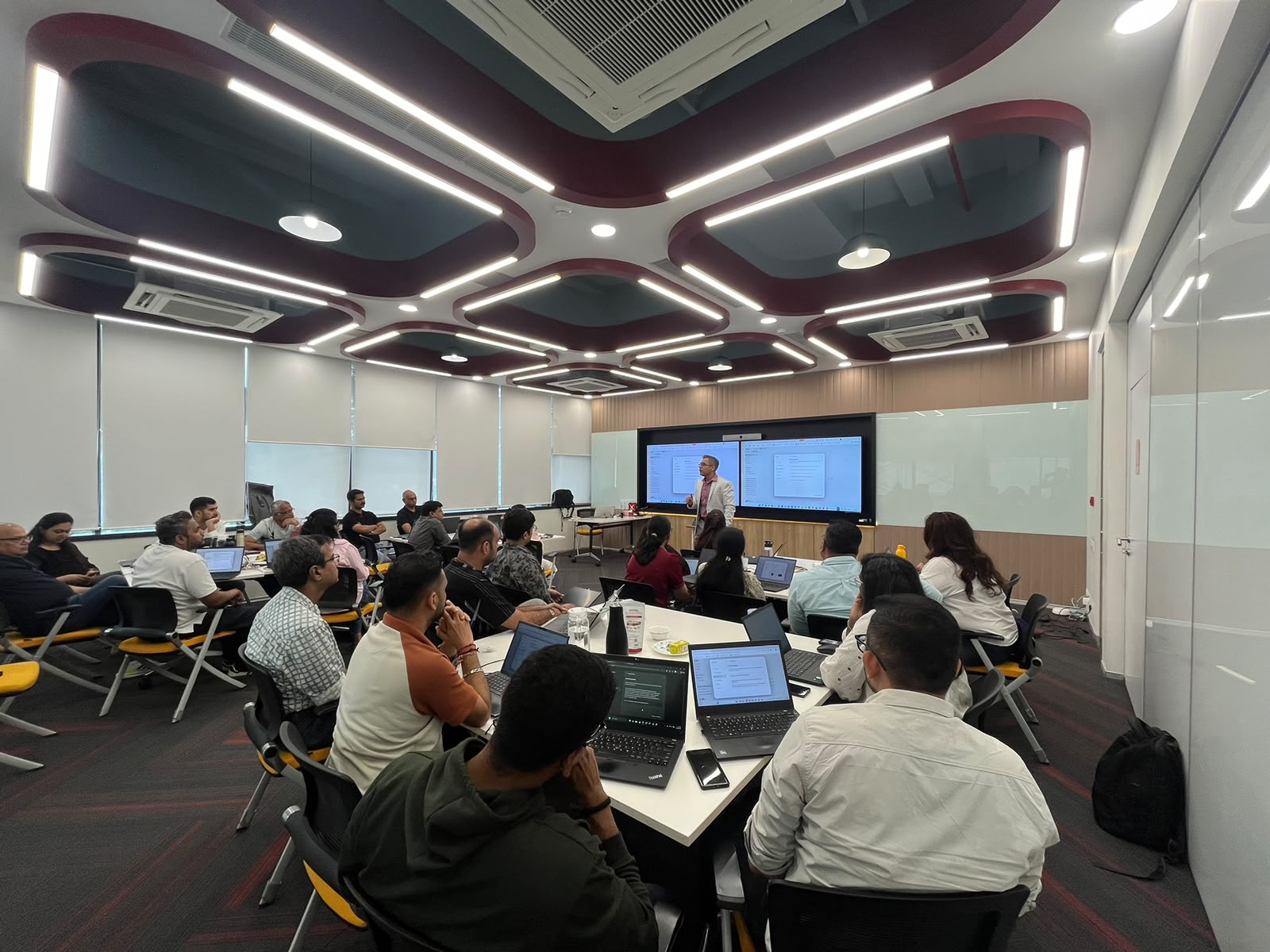
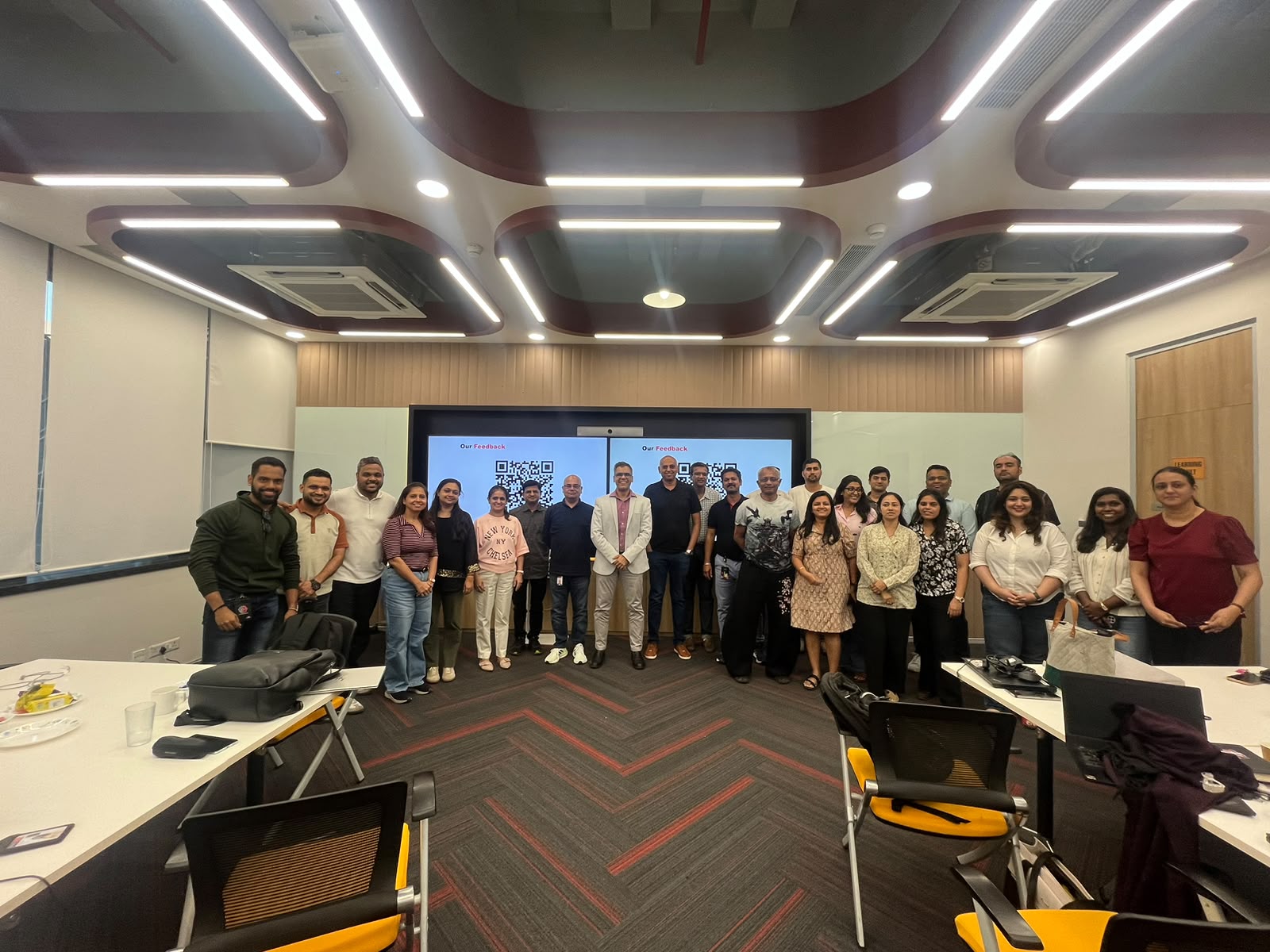
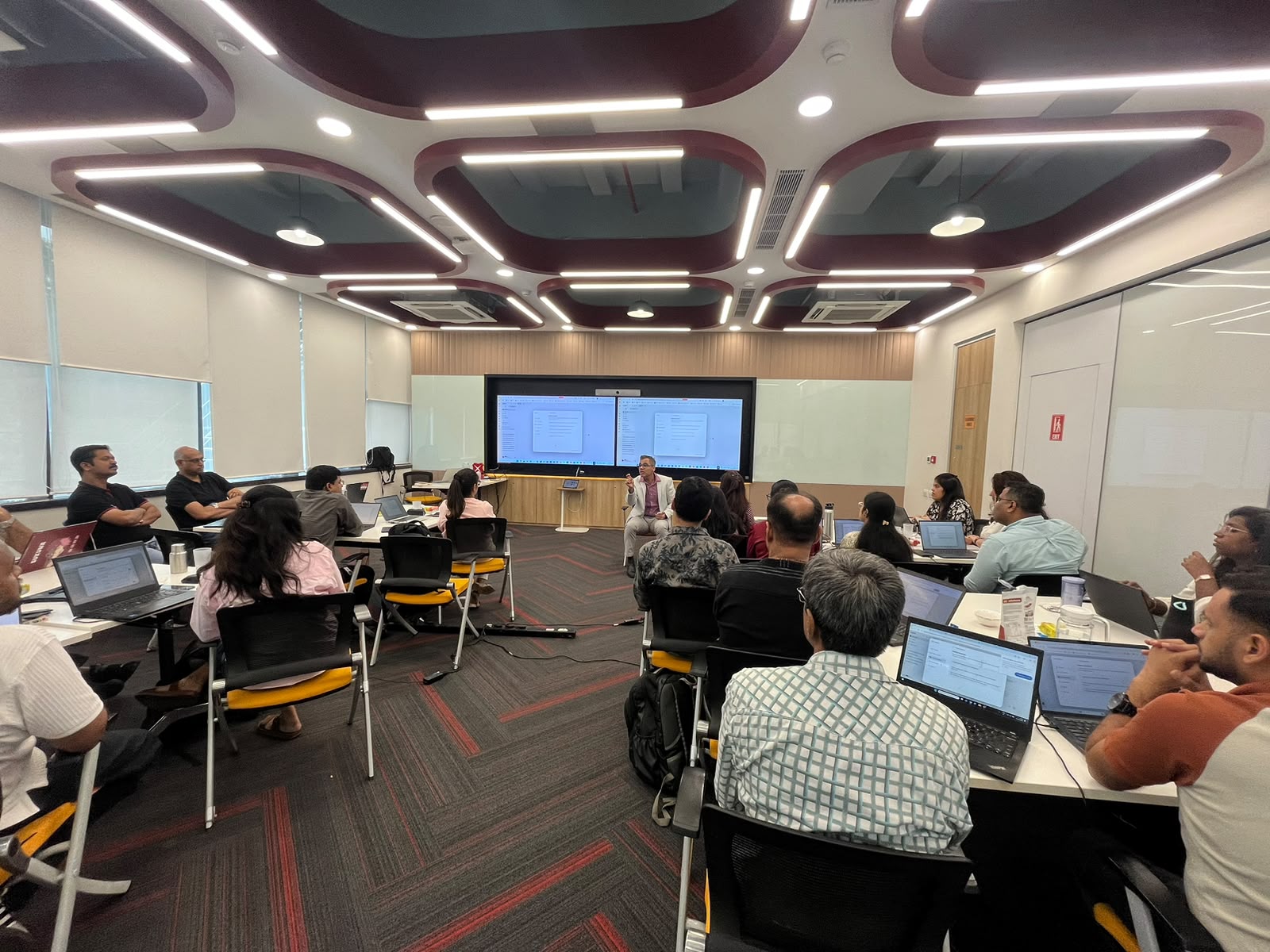
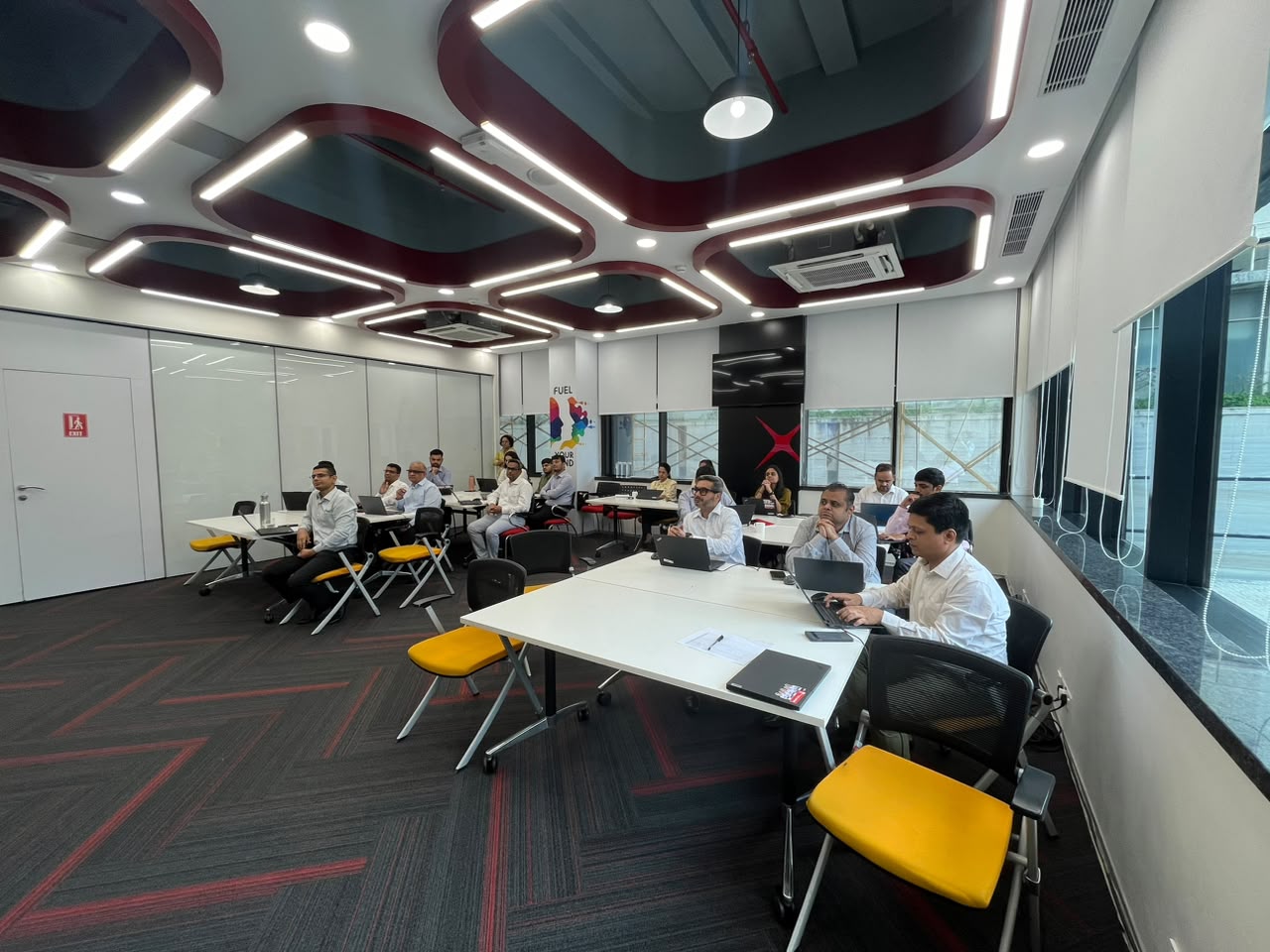
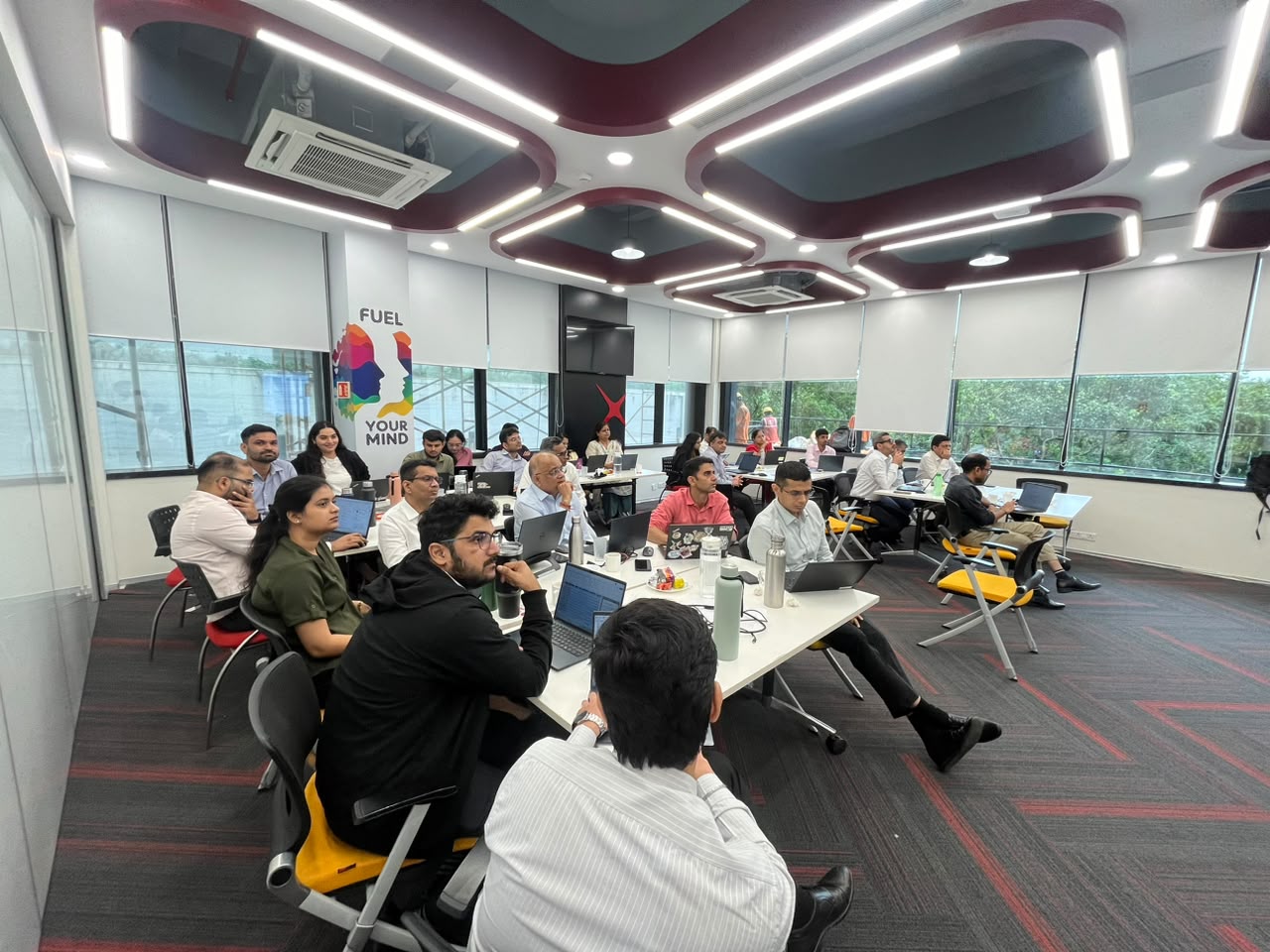
Relevant experience. – We have conducted multiple Microsoft Copilot interventions across corporate functions, including four customised Copilot workshops for DBS Bank, where the learning was adapted to different teams and their respective Copilot environments. The interventions included practical work with Copilot Chat, Search vs Chat, Personalization, Notebooks, Researcher, Analyst and Agents, wherever those capabilities were enabled by the organisation.
Important Licensing Terminology
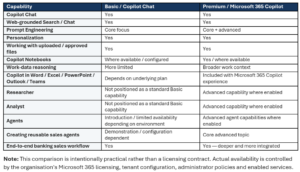
For proposal clarity, this document uses the terms “Basic Environment” and “Premium / Advanced Environment” as convenient labels. Microsoft’s current business terminology distinguishes between Microsoft 365 Copilot Chat and Microsoft 365 Copilot. Exact features also depend on the underlying Microsoft 365 subscription, user licensing, administrator settings, tenant configuration and enabled services.
Basic / Copilot Chat: Copilot Chat provides secure, web-grounded AI chat for eligible Microsoft 365 business users. Without a Microsoft Copilot add-on, work-data reasoning is more limited and advanced agents are not available in the same way.
Premium / Microsoft 365 Copilot: The licensed environment adds AI chat grounded in organisational work data and Copilot experiences in applications such as Word, Excel, PowerPoint, Outlook and Teams, together with access to advanced reasoning and agent capabilities.
Important: The proposal does not assume that every feature is enabled in the client tenant. Hands-on demonstrations of Researcher, Analyst, Agents and related capabilities will be aligned to the capabilities actually available to participants.
Target Audience
- Relationship Managers and Client Relationship Teams
- Banking Sales Teams
- Business Development and Client Acquisition Teams
- Product / Sales Support Teams
- Sales Managers and Team Leaders
- Professionals who regularly prepare for client meetings, analyse information and create client-facing communication
Program Format

Basic vs Advanced Licensed Environment — At a Glance
Overall Learning Objectives
- Understand where Copilot fits into a banking sales and relationship workflow.
- Use Search and Chat appropriately for information discovery and task execution.
- Write better prompts using a practical Goal–Context–Action–Output approach.
- Prepare for client meetings more efficiently using structured AI-assisted workflows.
- Summaries and analyze approved documents and business information.
- Create better client emails, meeting summaries, briefs, proposals and internal updates.
- Use Copilot Notebooks where available to work with a focused collection of reference material.
- Understand Agents and how reusable instructions, knowledge and capabilities can support repeatable work.
- Use Researcher and Analyst in the advanced licensed environment where available.
- Build a practical end-to-end workflow rather than treating Copilot as a standalone chatbot.
Basic Licence
Recommended duration: 1 Day – This track is designed for participants who have access primarily to Copilot Chat. The emphasis is on practical productivity, prompting, business information handling, client preparation, communication and understanding how Agents fit into the wider Copilot ecosystem.
Module 1 — Understanding Copilot in a Banking Environment
- What Copilot Chat is and where it fits into daily work
- Search vs Chat — when to use each
- Web-grounded information vs information supplied by the user
- Understanding what Copilot can and cannot access
- Responsible use of AI in a banking environment
- Practical examples for sales and relationship teams
Module 2 — Prompting for Banking Sales
- A practical prompting framework: Goal → Context → Action → Output
- Writing precise prompts for business tasks
- Adding audience, tone, constraints and output format
- Good vs weak prompts
- Prompt refinement through follow-up instructions
- Exercise: prepare for an upcoming client meeting
Module 3 — Personalization & Better Responses
- Personalization and response preferences
- Defining tone, style and level of detail
- Improving results through iterative prompting
- Creating reusable prompt patterns
- Exercise: convert a generic request into a professional banking response
Module 4 — Working with Files & Business Information
- Using approved files and reference material with Copilot
- Summarise, extract, compare and classify information
- Identify gaps, inconsistencies and key points
- Create briefing notes from source documents
- Exercise: product / client information analysis
Module 5 — Copilot Notebooks
- What Copilot Notebooks are designed for
- Creating a focused workspace around a client, product or initiative
- Adding and working with references
- Asking questions grounded in notebook content
- Generating summaries and insights
- Example: Client Relationship Notebook
Module 6 — Copilot for Sales Communication
- Client emails and follow-up communication
- Meeting agendas and briefing notes
- Meeting summaries and action points
- Internal sales updates
- Executive summaries
- Exercise: meeting notes → summary → follow-up → internal update
Module 7 — Introduction to Agents
- What an Agent is and how it differs from a normal chat interaction
- Instructions, knowledge and capabilities / skills
- When a reusable Agent is more useful than a one-off prompt
- Examples: Client Briefing Agent, Sales Communication Agent, Product Information Agent
- Governance and availability considerations
- Hands-on demonstration only where enabled in the client environment
Explore Our AI Banking Case Study
Discover how AI and Microsoft Copilot can support banking workflows and workplace productivity.
Premium License
Recommended duration: 2 Days – This track is designed for teams with Microsoft 365 Copilot licensing and the relevant capabilities enabled. It extends the Basic track into work-data reasoning, Microsoft 365 application integration, advanced research and analysis, and repeatable agent-based workflows.
DAY 1 — Copilot, Prompting, Client Preparation & Research
Module 1 — Copilot in the Banking Sales Workflow
- Copilot Chat and Search
- Understanding work context and organisational information
- Prompting framework for professional banking use
- Personalization and iterative prompting
- When to use Chat, Search, files and application-level Copilot
Module 2 — Client & Meeting Preparation
- Client briefing and pre-meeting preparation
- Structuring discussion points and questions
- Creating executive briefings
- Preparing agendas and talking points
- Post-meeting summaries and action tracking
- Exercise: end-to-end meeting preparation
Module 3 — Researcher for Sales & Relationship Teams
- What Researcher is designed to do
- Complex, multi-step research
- Source-cited research outputs
- Company and industry research
- Competitor / market intelligence
- Client briefing reports
- Exercise: build a structured research brief
- Availability subject to the organisation’s Microsoft 365 licensing and configuration
DAY 2 — Analyst, Agents & End-to-End Sales Workflows
Module 4 — Analyst for Business & Sales Analysis
- Using AI-assisted analysis for business datasets and information
- Trend and period comparison
- Segment and performance analysis
- Identifying anomalies and patterns
- Turning analysis into management insights
- Exercise: analyse a sales / relationship dataset
- Availability subject to the organisation’s licensing and configuration
Module 5 — Creating & Working with Agents
- Agent vs one-off prompt
- Defining the Agent’s role and objective
- Writing clear instructions
- Adding approved knowledge / reference material
- Defining expected output and format
- Testing and refining an Agent
- Sharing / deployment considerations
- Governance and administrator controls
Module 6 — Banking Sales Agent Use Cases
- Client Meeting Preparation Agent
- Relationship Manager Briefing Agent
- Product Comparison Agent
- Sales Communication Agent
- Client Review / Account Summary Agent
- Designing Agents around repeatable business processes
- Avoiding inappropriate use of Agents for regulated decisions, recommendations or approvals
Module 7 — Agents: Instructions, Knowledge & Skills / Capabilities
- How an Agent combines instructions, knowledge and capabilities
- Writing strong Agent instructions
- Weak vs strong Agent design
- Defining inputs, processing steps and output format
- Building repeatable workflows
- Testing an Agent against realistic banking scenarios
Module 8 — End-to-End Banking Sales Case Study
- Client background and approved reference documents
- Research and information gathering
- Client / product analysis
- Meeting briefing and questions
- Talking points and communication
- Post-meeting summary and actions
- Management-level relationship summary
- Discussion: where the workflow should remain human-controlled
Explore Our AI Banking Case Study
Discover how AI and Microsoft Copilot can support banking workflows and workplace productivity.

I have attended the advanced excel workshop . Everything you need to know about excel in two days, can be found through this workshop. Got a lot ideas and answers to age old doubts. Mr. Faiyaz is a very good teacher for the same. Every technical description was made so simple to understand with great examples. Thankyou sir.

Carol Monteiro

I have attended the Advanced Excel training sessions organised by Sealed Air Packaging Materials India LLP. The sessions conducted by Mr. Faiyaz were very informative, interactive and hand-on despite having a virtual training platform. I would highly recommended this for anybody who wants to enhance their excel skills.
Sampada Munj

The 3 day workshop taught me what i couldn't learn in a span of a year. The way excel is been taught makes you learn the basics and understand the functions and features instead of memorizing things. A big thumbs up to Faiyaz Khairaz for taking the session.
Nitesh Oberoi

Amazing training. I was able to prepare excel dashboards for my organization with their teachings and methods. Even my doubts were solved. Special thanks to Sabiha ma'am and Shaziya ma'am for their training.
Harsh Malhotra

Did a Excel Workshop Course with Faiyaz M Khairaz sir. It was an excellent course for girl like me who had no prior experience with Excel. Sir cleared each and every doubt I had. Thank You Sir for the wonderful training.
Geeta Pansare