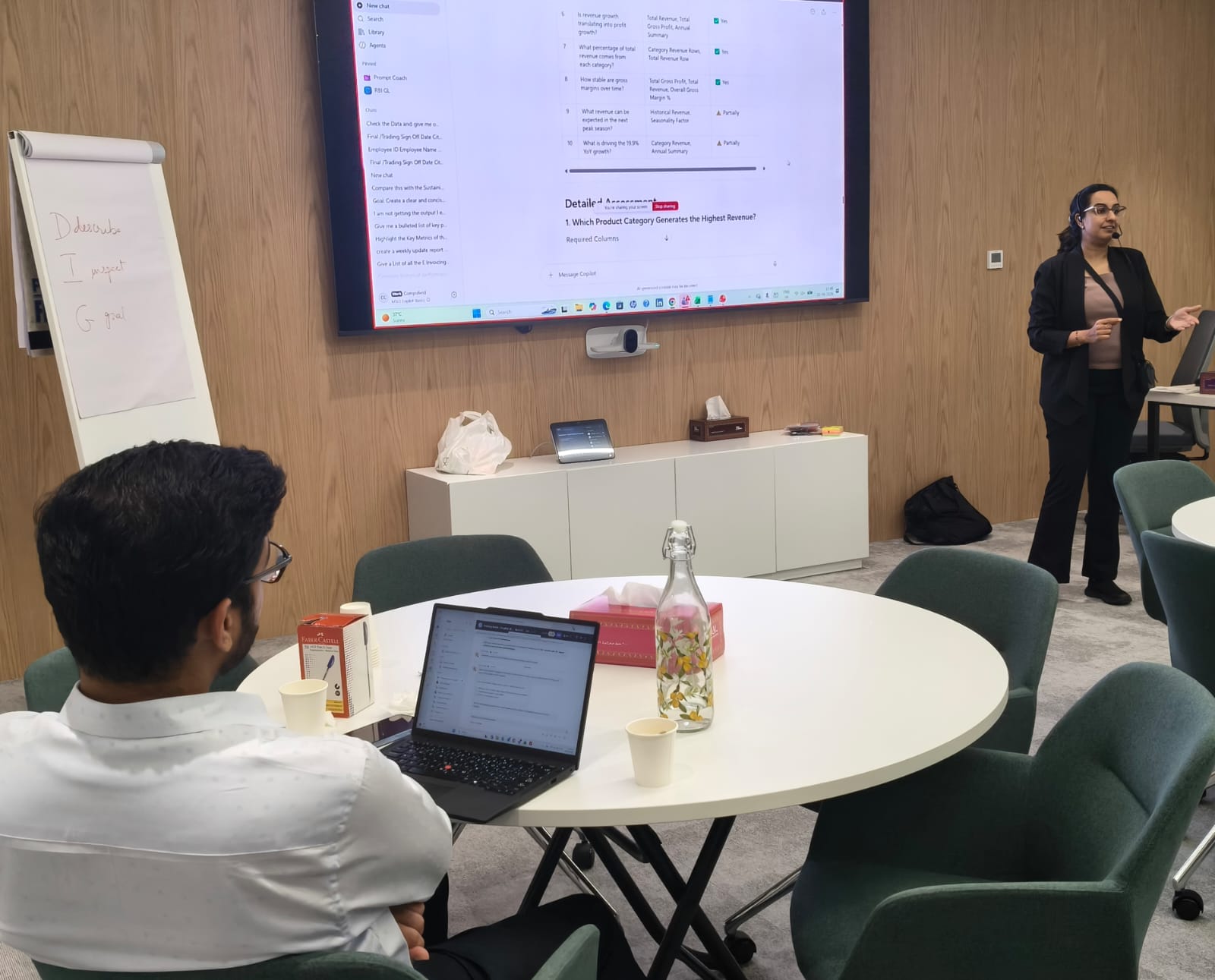
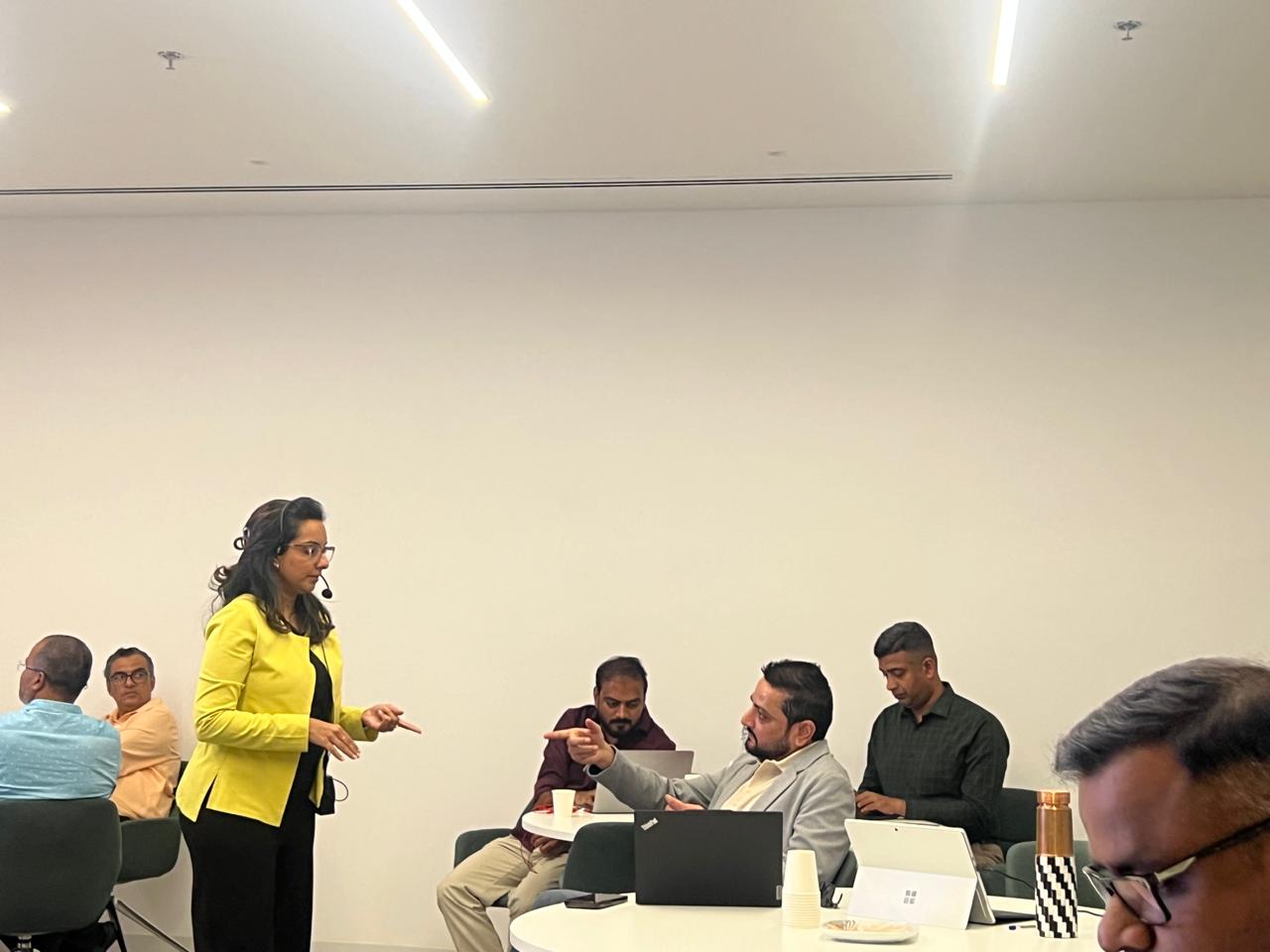
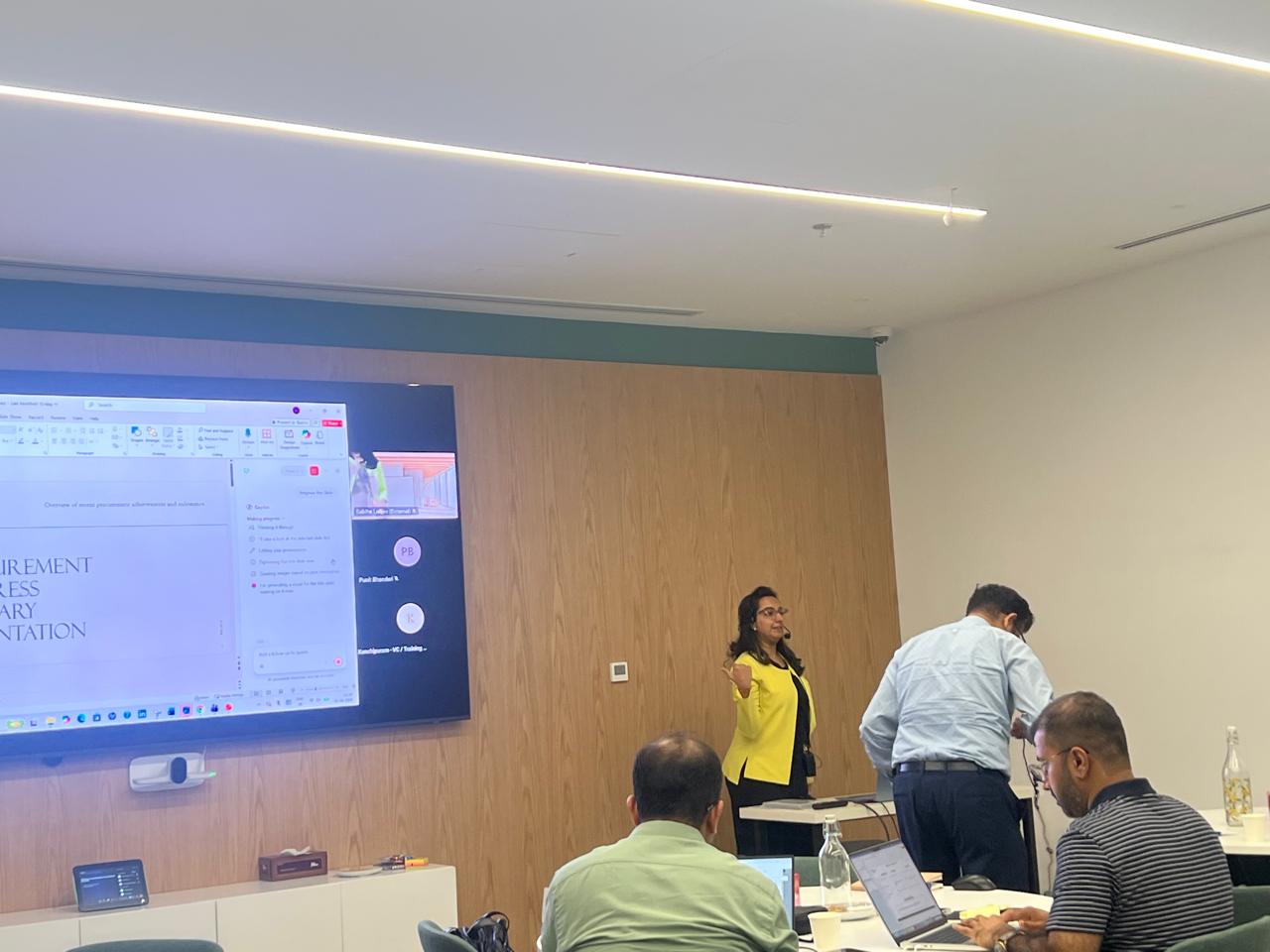
Microsoft Copilot Corporate Training for Advanced AI Productivity & Workplace Automation
Duration: 1 day corporate program
A practical, business-focused program covering Copilot Chat, Search, Personalization, Notebooks, Pages, Scheduled Prompts, Agents, Researcher, Analyst, Skills and Copilot across Microsoft 365 applications.
Program Overview
This advanced Microsoft 365 Copilot program is designed for professionals and corporate teams who want to move beyond basic AI prompting and use Copilot as an integrated productivity assistant across their daily workflows.
The program covers Copilot Chat, Search, Personalization, Notebooks, Pages, scheduled prompts, prompt management, agents, Researcher, Analyst and Copilot across Microsoft 365 applications.
Typical Duration
Customizable – typically delivered as a 1 – 3 day corporate program depending on the organization’s requirements, participant profile and depth of coverage.
Target Audience
Corporate professionals, managers, team leaders, functional heads, analysts, knowledge workers and business users who have access to the relevant Microsoft 365 Copilot capabilities and want to use AI to improve productivity, research, analysis, communication and workflow execution.
The training is highly practical and can be customized around the organization’s functions, business processes, data, security requirements and use cases.
Prerequisites
Participants should have basic familiarity with Microsoft 365 applications. No programming knowledge is required. The depth of specific features depends on the organization’s Microsoft 365 environment, licensing and administrator configuration.
Customization & Enterprise Considerations
The curriculum is intentionally designed as a general corporate framework. The final workshop agenda, case studies, exercises and demonstrations can be adapted to the organization’s departments, business processes, data, security policies and Copilot configuration.
Feature availability may vary by license, Microsoft 365 configuration, administrator settings, region, and the rollout status of individual Copilot capabilities. The training will therefore be aligned with the capabilities enabled in the participating organization’s environment.
Key Learning Outcomes
- Use Microsoft 365 Copilot effectively for workplace productivity
- Understand Search vs Chat and select the appropriate experience
- Write effective business prompts
- Personalize the Copilot experience
- Use Notebooks to organize and work with relevant information
- Create and collaborate using Copilot Pages
- Save, reuse and schedule prompts
- Understand and use AI agents
- Create practical business agents where enabled
- Use Researcher for complex research
- Use Analyst for data-driven analysis
- Understand the role of Copilot Skills
- Use Copilot in Word, Excel, PowerPoint, Outlook and Teams
- Build integrated AI workflows across Microsoft 365
- Identify practical Copilot opportunities within their own department
Module 1: Getting Started with Microsoft 365 Copilot
- Understanding Microsoft 365 Copilot and its role as an AI productivity assistant
- Copilot Chat vs Copilot inside Microsoft 365 applications
- Understanding Web, Work and organizational context
- Understanding how Copilot uses available information and permissions
- Understanding the difference between Chat, Search, Agents, Notebooks, Pages and Skills
- Understanding when to use which Copilot experience
- Responsible and secure use of AI in the workplace
Module 2: Search vs Chat
- Understanding Copilot Search
- Searching for people, files, meetings, chats and organizational content
- Using search filters and recommendations
- Moving from search results into Copilot conversations
- Using Chat for conversational work and iterative prompting
- Referencing files, people and meetings
- Adding files and reference material to prompts
- Search → Find something; Chat → Work with something
- Understanding when to move from Chat to Researcher, Analyst or an Agent
Module 3: Prompt Engineering & Personalization
- Anatomy of an effective business prompt
- Goal, Context, Action and desired Output
- Audience, tone, constraints and examples
- Iterative prompting and follow-up prompting
- Improving weak or ambiguous prompts
- Understanding Copilot personalization
- Custom instructions and communication preferences
- Establishing preferred tone and writing style
- Providing Copilot with relevant role and working context
- Understanding memory and personalization expectations
- Creating a personal Copilot working profile
Module 4: Copilot Notebooks
- Introduction to Copilot Notebooks
- Creating and organizing a Notebook
- Adding relevant sources and reference material
- Working with documents and information within a defined context
- Asking questions across Notebook sources
- Summarizing and extracting key information
- Creating structured outputs
- Using Researcher with Notebook content
- Reviewing cited sources
- Converting research output into a Page
- Business applications: projects, policies, research, training material and client information
Module 5: Copilot Pages
- Understanding Copilot Pages
- Turning a Copilot response into a persistent Page
- Creating Pages from prompts and existing responses
- Editing and refining Page content
- Adding structure and headings
- Using Copilot to refine content
- Sharing Pages with colleagues
- Collaborating on shared Pages
- Using Pages for projects and team workflows
- Business applications: project briefs, action plans, vendor comparisons, proposals, HR communications and management briefings
Module 6: Saving & Scheduling Prompts
- Identifying repetitive prompts
- Creating reusable prompts
- Organizing frequently used prompts
- Refining prompts for consistency
- Creating prompts for recurring business activities
- Understanding scheduled prompts
- Identifying tasks suitable for scheduling
- Scheduling recurring Copilot prompts
- Setting frequency and reviewing scheduled prompts
- Editing and managing scheduled prompts
- Corporate examples: daily meeting summaries, weekly management updates and recurring operational reviews
Module 7: Understanding Microsoft Copilot Agents
- Understanding AI agents
- Copilot vs Agent
- Pre-built Microsoft agents
- User-created agents
- When to use and when not to use an agent
- Agent instructions, knowledge and sources
- Agent behavior and boundaries
- Exploring available Microsoft-built agents
- Choosing the appropriate agent for a business task
Module 8: Creating, Managing & Sharing Custom Agents
- Understanding AI agents
- Copilot vs Agent
- Pre-built Microsoft agents
- User-created agents
- When to use and when not to use an agent
- Agent instructions, knowledge and sources
- Agent behavior and boundaries
- Exploring available Microsoft-built agents
- Choosing the appropriate agent for a business task
Module 8: Creating, Managing & Sharing Custom Agents
- Identifying a business requirement for an agent
- Defining the agent’s purpose and target users
- Writing agent instructions
- Establishing role, behavior and boundaries
- Providing knowledge sources
- Testing and refining an agent
- Handling unsupported requests
- Understanding deployment and sharing considerations
- Managing and updating agents
- Example agents: HR Policy Assistant, Sales Proposal Assistant, Procurement Assistant, Finance Report Assistant, Customer Communication Assistant and Project Status Assistant
Module 9: Researcher Agent
- Understanding Researcher
- Researcher vs standard Copilot Chat
- When to use Researcher
- Structuring a research request
- Defining research scope
- Using public web information
- Working with permitted organizational information
- Combining web and work information
- Comparing information and synthesizing findings
- Reviewing sources and citations
- Asking follow-up questions
- Turning research into an actionable business report
- Corporate examples: competitor analysis, market research, industry trends, vendor comparison, product research and regulatory research
Module 10: Analyst Agent
- Understanding Analyst
- Analyst vs Copilot in Excel
- When to use Analyst
- Working with supported data files
- Asking analytical questions
- Descriptive analysis
- Trend analysis
- Identifying outliers and anomalies
- Comparing datasets
- Generating tables and visualizations
- Interpreting and validating AI-generated analysis
- Business examples: sales, finance, HR, procurement, marketing and operational analysis
Module 11: Copilot Skills
- What are Copilot Skills?
- Skills vs Agents
- Skills vs Prompts
- Skills vs Knowledge
- Reusable task-specific capabilities
- How Skills can extend agents and workflows
- Examples of business-oriented skills
- Reusable workflow concepts
- Governance and ownership considerations
- Understanding that availability and supported functionality may vary by Microsoft environment
Module 12: Copilot in Microsoft Word
- Drafting documents using Copilot
- Rewriting and improving content
- Summarizing documents
- Changing tone and audience
- Expanding or shortening content
- Creating structured business documents
- Asking questions about a document
- Extracting key information
- Working with referenced content
- Business applications: proposals, policies, SOPs, HR communications, reports and project documentation
Module 13: Copilot in Microsoft Excel
- Understanding Copilot in Excel
- Asking questions about datasets
- Identifying trends and patterns
- Generating and explaining formulas
- Summarizing data
- Highlighting important information and anomalies
- Creating analysis and visualizations
- Working with tables
- Business-oriented analytical questions
- Sales, finance, HR, procurement, customer and target-vs-actual use cases
Module 14: Copilot in Microsoft PowerPoint
- Creating presentations from prompts
- Creating presentations from Word documents
- Generating presentation structure
- Creating slide content
- Summarizing information into slides
- Rewriting and improving slide content
- Creating executive-level summaries
- Refining presentation messaging
- Working with presentation design and conversational instructions
- Business applications: management presentations, sales, training, project updates and executive briefings
Module 15: Copilot in Microsoft Outlook
- Drafting emails
- Rewriting emails
- Changing tone
- Summarizing long email threads
- Extracting key actions
- Preparing responses
- Preparing meeting-related communication
- Using relevant inbox and calendar context where supported
- Preparing agendas and pre-reads
- Following up after meetings
- Identifying actions and commitments
Module 16: Copilot in Microsoft Teams
- Preparing for meetings
- Understanding meeting context
- Summarizing discussions
- Identifying key decisions
- Identifying action items
- Asking questions about meeting discussions
- Catching up on missed conversations
- Summarizing important team discussions
- Drafting follow-up communication
- Converting discussions into structured actions
Module 17: Integrated Copilot Workflows
- Researcher → Page → PowerPoint
- Analyst → Excel → PowerPoint
- Meeting → Summary → Actions → Page
- Agent + Scheduled Prompt for recurring business workflows
- Connecting Copilot capabilities instead of using features in isolation
- Designing end-to-end AI-assisted workplace processes

I have attended the advanced excel workshop. Everything you need to know about excel in two days, can be found through this workshop. Got a lot ideas and answers to age old doubts. Mr. Faiyaz is a very good teacher for the same. Every technical description was made so simple to understand with great examples. Thankyou sir.

Carol Monteiro

I have attended the Advanced Excel training sessions organised by Sealed Air Packaging Materials India LLP. The sessions conducted by Mr. Faiyaz were very informative, interactive and hand-on despite having a virtual training platform. I would highly recommended this for anybody who wants to enhance their excel skills.
Sampada Munj

The 3 day workshop taught me what i couldn't learn in a span of a year. The way excel is been taught makes you learn the basics and understand the functions and features instead of memorizing things. A big thumbs up to Faiyaz Khairaz for taking the session.
Nitesh Oberoi

Amazing training. I was able to prepare excel dashboards for my organization with their teachings and methods. Even my doubts were solved. Special thanks to Sabiha ma'am and Shaziya ma'am for their training.
Harsh Malhotra

Did a Excel Workshop Course with Faiyaz M Khairaz sir. It was an excellent course for girl like me who had no prior experience with Excel. Sir cleared each and every doubt I had. Thank You Sir for the wonderful training.
Geeta Pansare